¶ Logins
This article describes how to log in to a service and how to set logins as required for an action file.
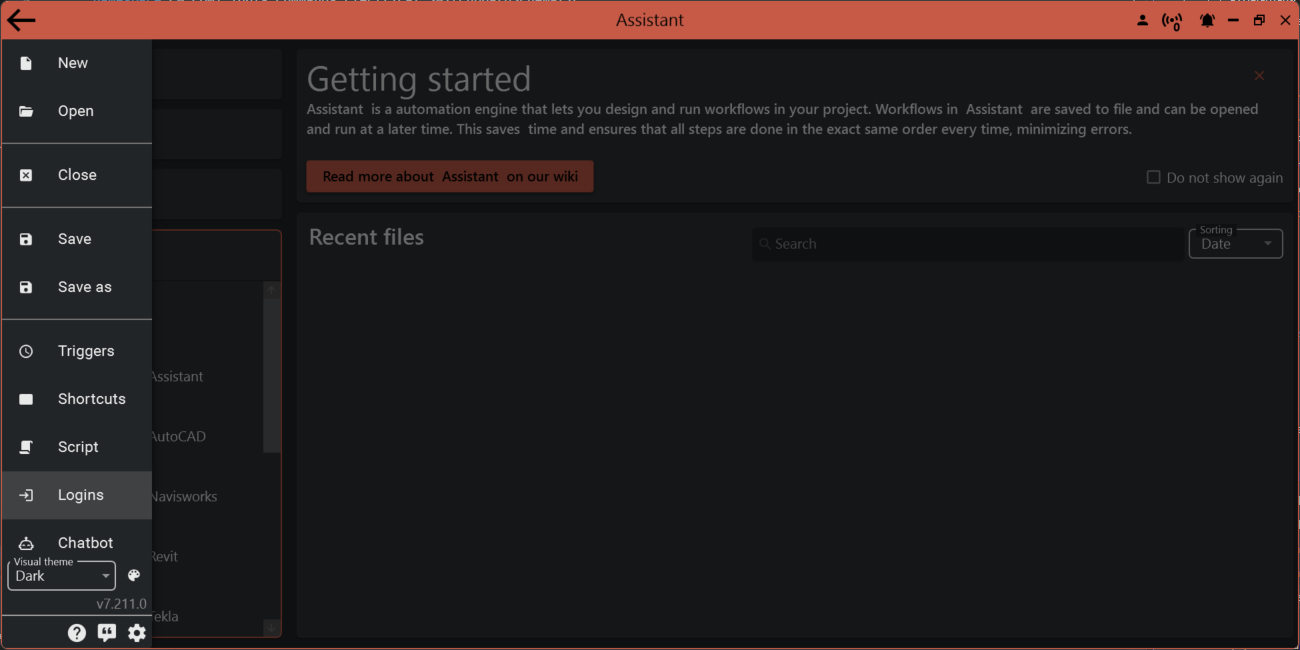
Click Logins to start the login process
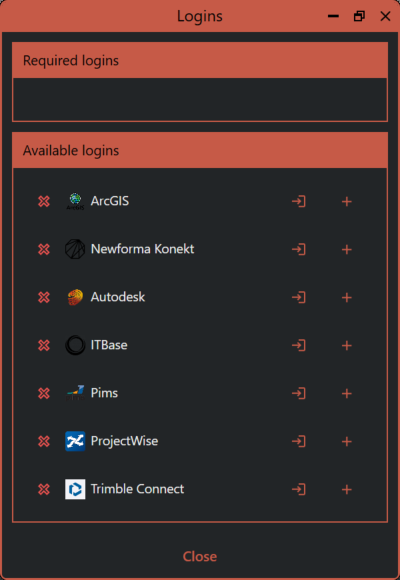
Here, you will see all supported services for logins:
- ArcGIS
- Assistant Cloud
- Newforma Konekt
- Autodesk (BIM360/ACC)
- ITBase
- Pims
- ProjectWise
- Trimble Connect
¶ Sign in and mark as required
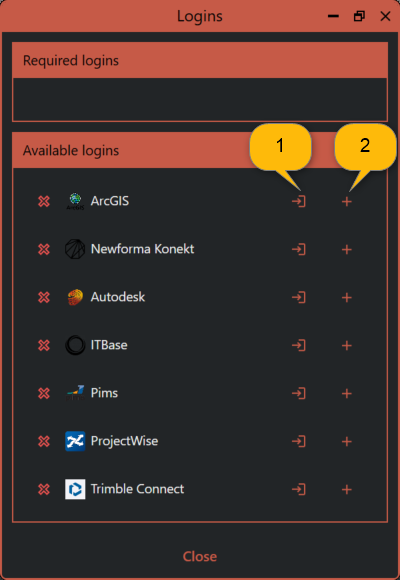
¶ 1 Sign in button
Clicking sign in will start the sign in process for that login. Some services require you to continue in the web browser. These will automatically open a browser for you to complete the process.
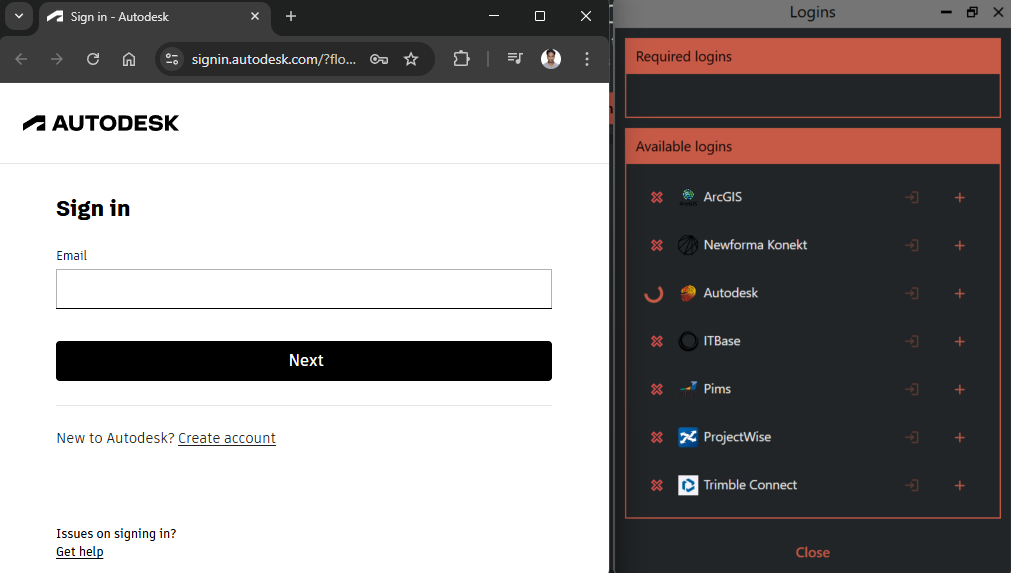
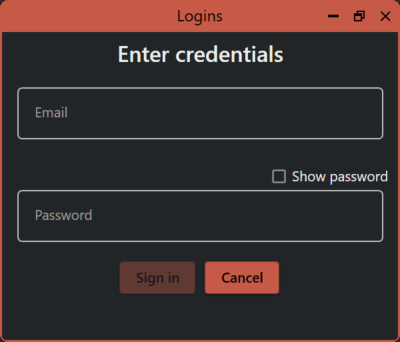
Other services will open a dialog for entering your username and password.
¶ 2 Mark as required button
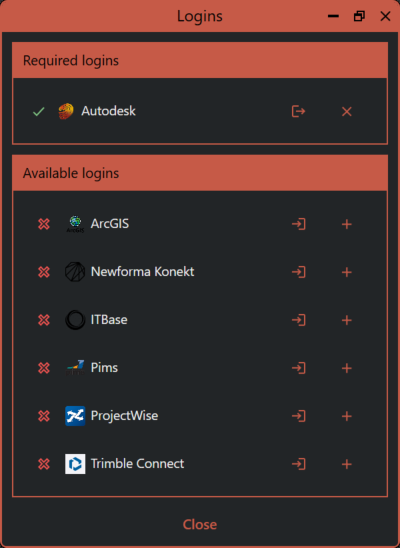
This button marks a login as required. If a login is set to required you won't be able to run the action if you are logged out of that service.