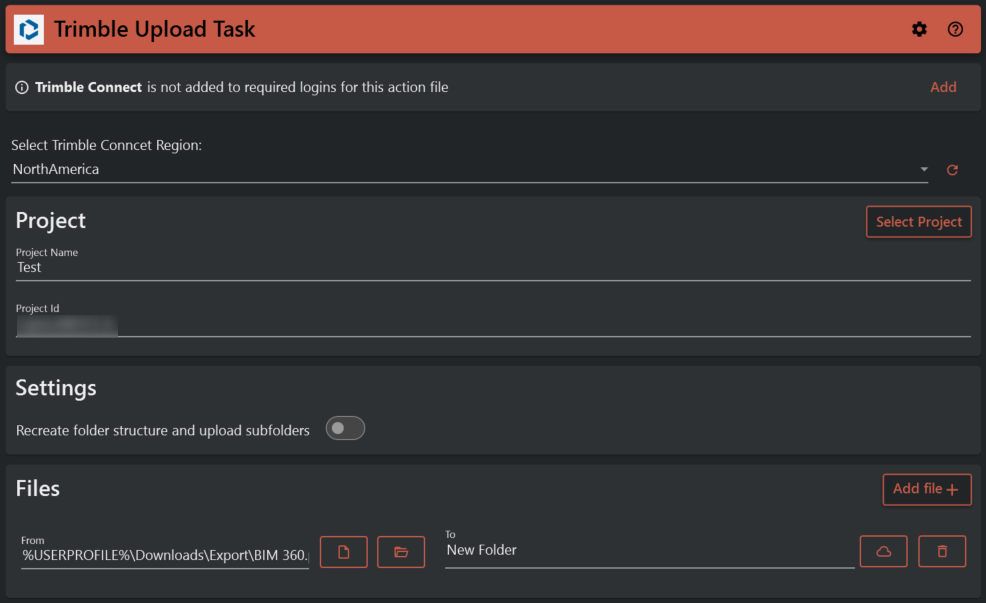
¶ Trimble Upload Task
Trimble Upload task lets you download files from Trimble connect to your device.
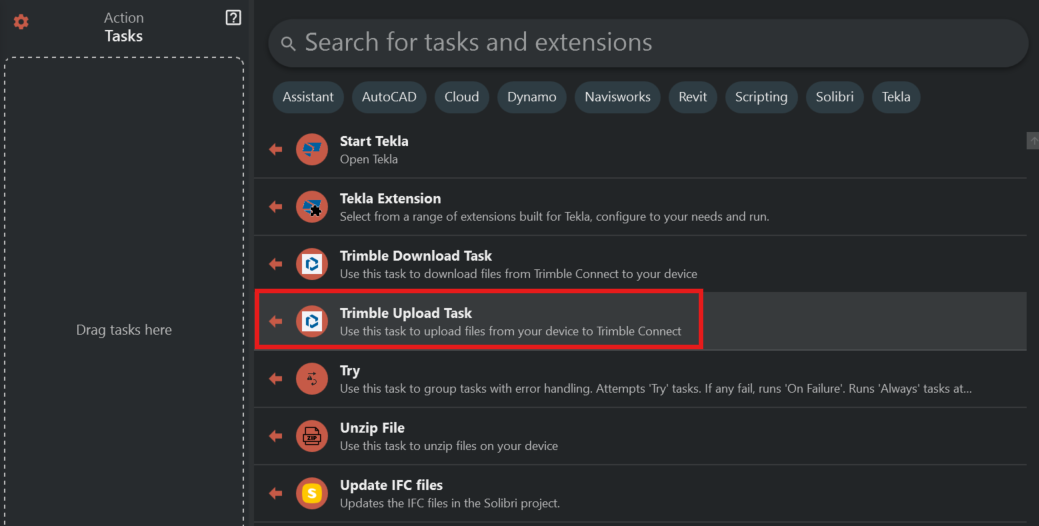
To use this task you’ll need to login to Trimble connect using the Tools Assistant logins that are found in the hamburger menu
All fields must be filed out.
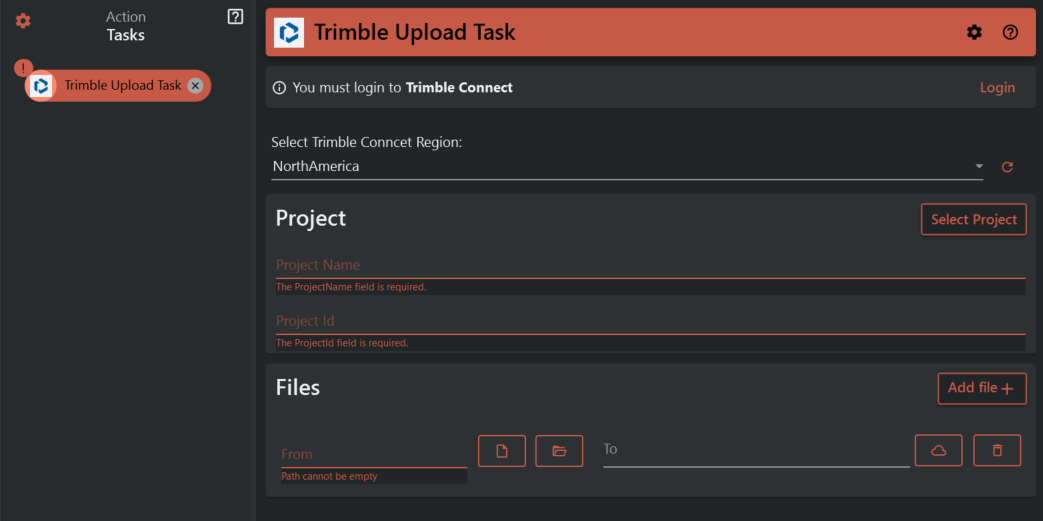
To select the project that you need you can browse through the project list by pressing the Select Project button. To find your project you need to search for it in the serch field.
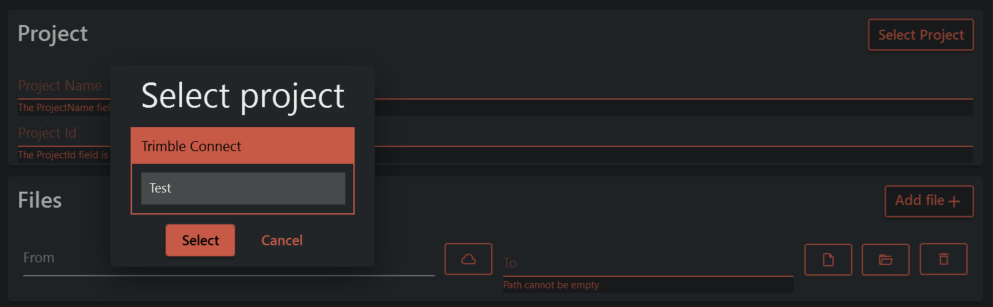
After selecting the project, you can browse through it and choose the folder in Trimble Connect to which you want to upload your file, by clicking on the cloud icon. You can upload multiple files by using the 'Add file' button. Additionally, you can upload folders or the contents of those folders by using wildcards.