¶ Close AutoCAD
¶ Overview
This guide explains how to forcefully close the AutoCAD application using the 'Close AutoCAD' task.
The task will first attempt to gracefully close AutoCAD. If it fails to close within one minute, the task will terminate the process.
¶ Step 1: Initiating the Close Task
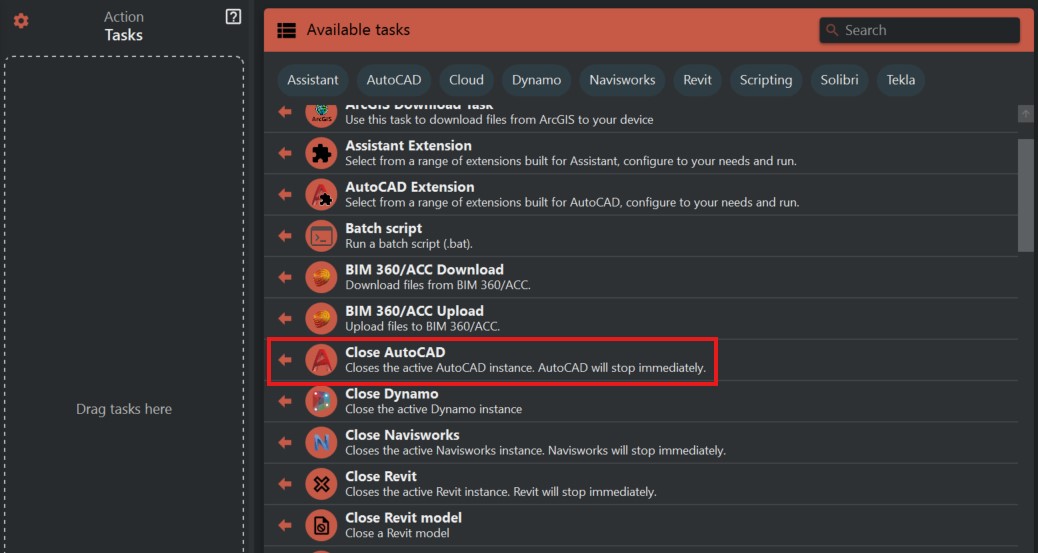
- Look to the right side of the screen to find the 'Available tasks' section.
- Identify and click on the ‘Close AutoCAD’ task.
¶ Step 2: Understanding the Task
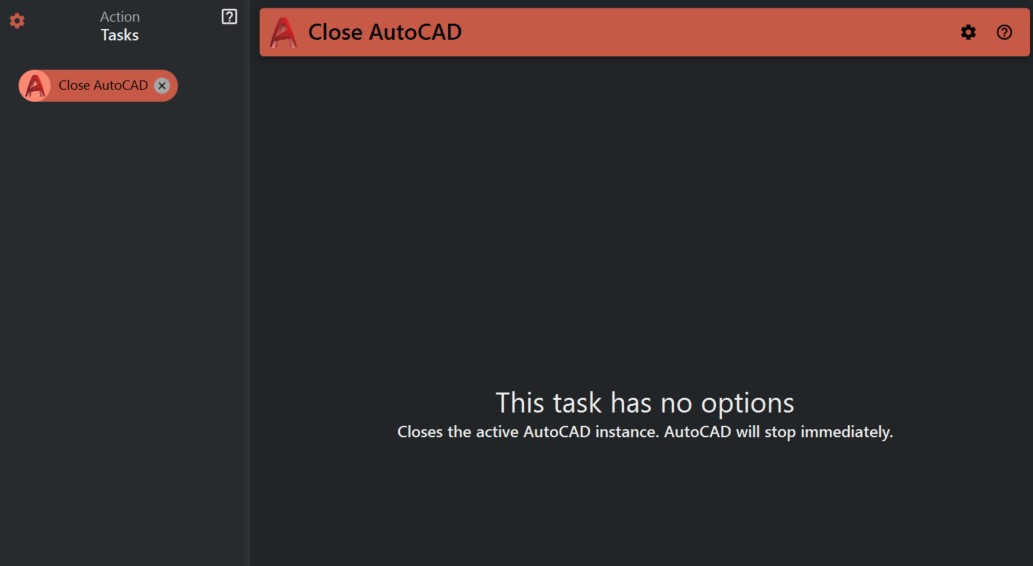
- The 'Close AutoCAD' task is created to instantly close the active AutoCAD instance. It's important to note that this action is immediate and does not save any open work.
¶ Step 3: Executing the Close Task
- Double-check that all work in AutoCAD has been saved, as this task will close the program without the opportunity to save.
¶ Important Notes:
- This task may result in the loss of unsaved work in AutoCAD.