¶ Close Dynamo
¶ Overview
This guide provides step-by-step instructions on how to use the 'Close Dynamo' task to close the Dynamo application.
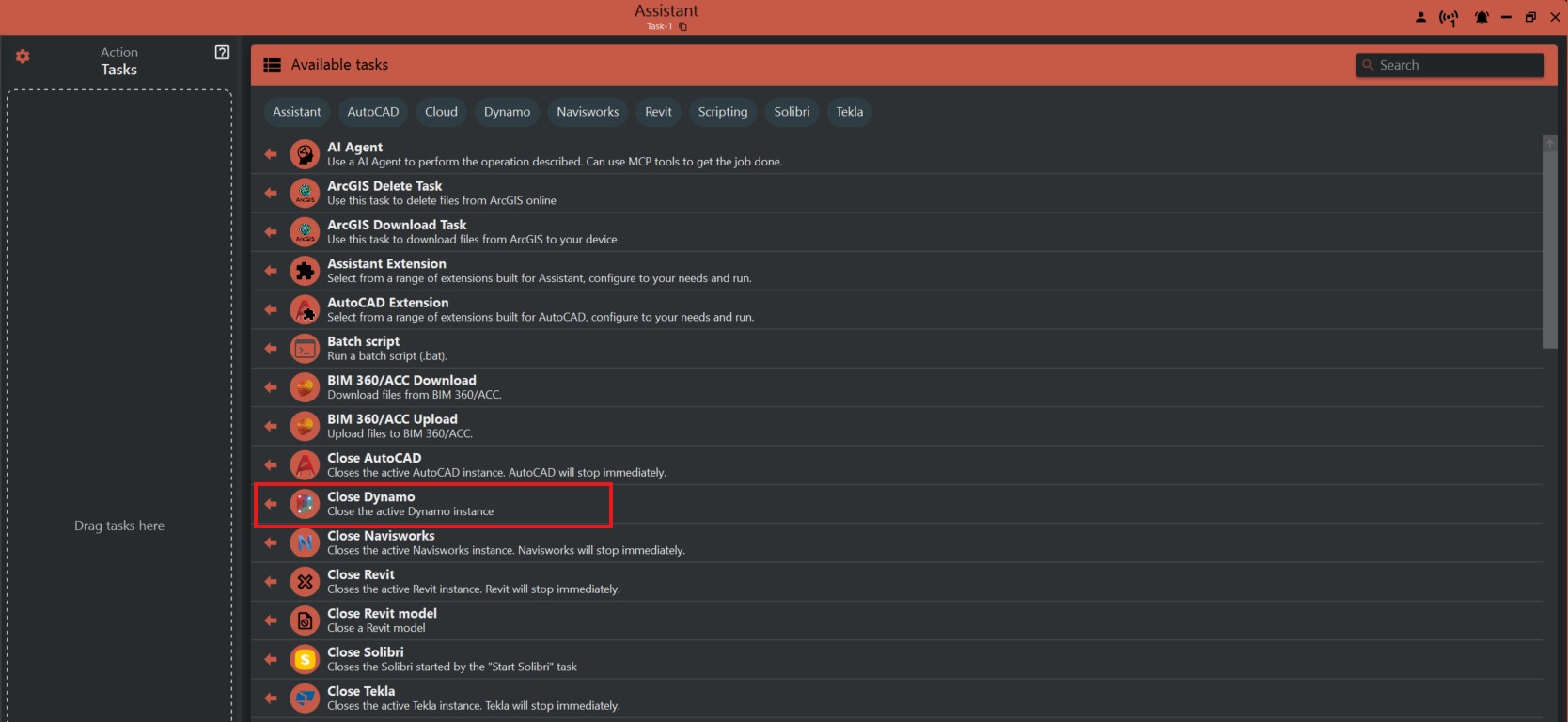
¶ Step 1: Accessing the 'Close Dynamo' Task
- Look to the right side of the screen to find the 'Available tasks' section.
- Identify and click on the ‘Close Dynamo’ task.
¶ Step 2: Understanding the Task
- The 'Close Dynamo' task is straightforward and has no additional options or settings.
- It is designed to terminate any active instance of Dynamo.
¶ Important Notes
- Before running the 'Close Dynamo' task, make sure to save any unsaved work to prevent data loss.
- This task will close Dynamo without prompting to save, so use it cautiously.