¶ Close Revit model
¶ Overview
This guide details the process for closing a model using the 'Close model' task.
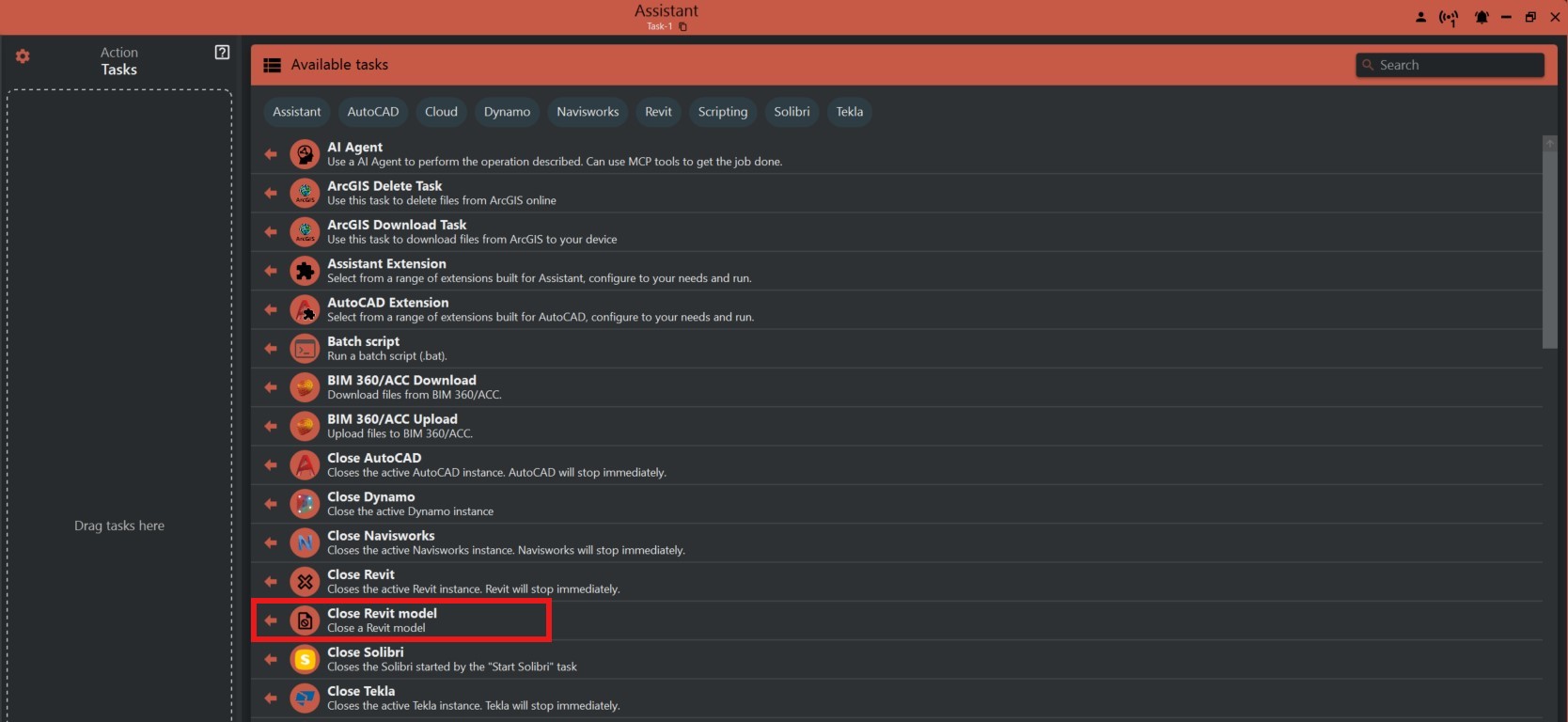
¶ Step 1: Selecting the 'Close Revit model' Task
- Look to the right side of the screen to find the 'Available tasks' section.
- Identify and click on the ‘Close Revit model’ task
¶ Step 2: Understanding the Task's Functionality
- The 'Close Revit model' task is designed to close an active model within your environment.
- Due to Revit API restrictions, the last open model cannot be closed directly.

¶ Step 3: Closing the Model
- If you need to close the last model open, the system will first create and open a new empty project before closing the current one.
- The 'Name of model to close' field allows you to specify which model to close if multiple models are open.

¶ Important Notes
- This operation might not close Revit entirely if it is the last model; instead, it opens a new blank model with a generic name.
- Always ensure that there is no unsaved work before proceeding with this task.