¶ Close Tekla
¶ Overview
Use this guide to forcefully close the Tekla Structures application using the 'Close Tekla' task.
¶ Step 1: Initiating the Close Task
- In the interface, navigate to the right-hand side where the 'Available tasks' are displayed.
- Find and select the 'Close Tekla' task.
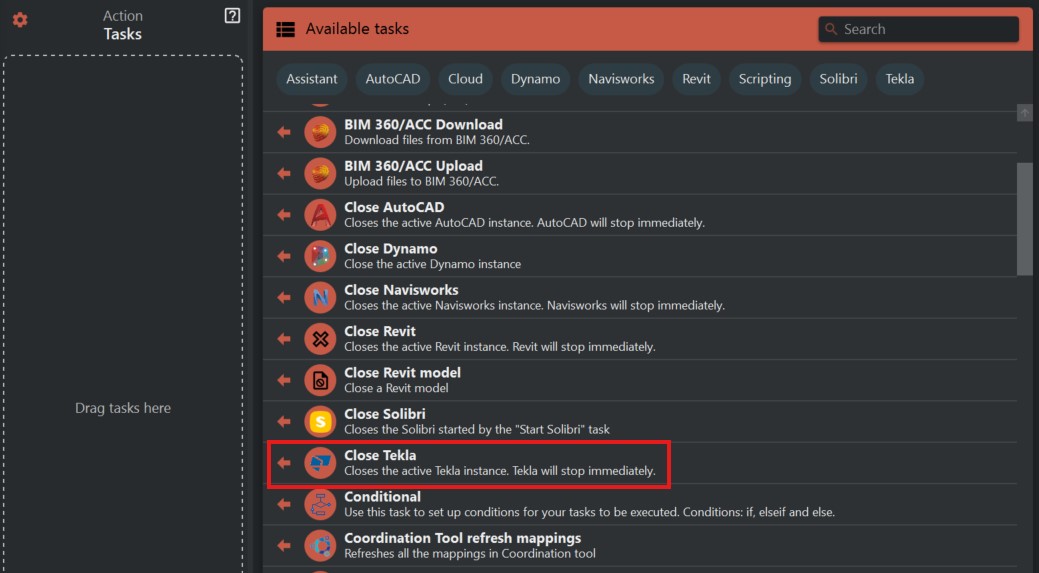
¶ Step 2: Understanding the Task
- The 'Close Tekla' task is designed to force close the active Tekla Structures software.
- Note that this will close Tekla Structures immediately and will not save any unsaved data.
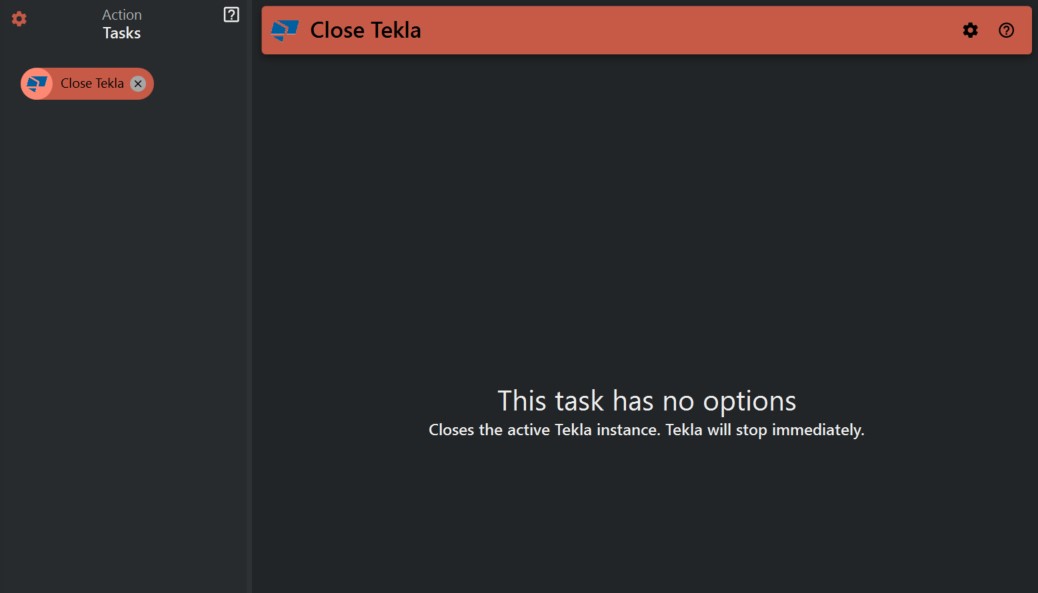
¶ Step 3: Executing the Close Task
- Before executing the task, make sure to save all your work in Tekla Structures to avoid losing any unsaved progress.
- Once you are ready, click on the 'Close Tekla' task to close the application..
¶ Step 4: Confirming the Closure
- After you have initiated the task, Tekla Structures should close.
- Verify that the application has been closed by checking your system's task manager or looking for the application window..
¶ Important Notes
- This task will forcibly shut down Tekla Structures without the opportunity to save open projects.