¶ Conditional
This task enables you to execute only parts of your Assistant file when the configured criterias is met. The Conditional task works much like if-statements in traditional programming.
¶ Conditions
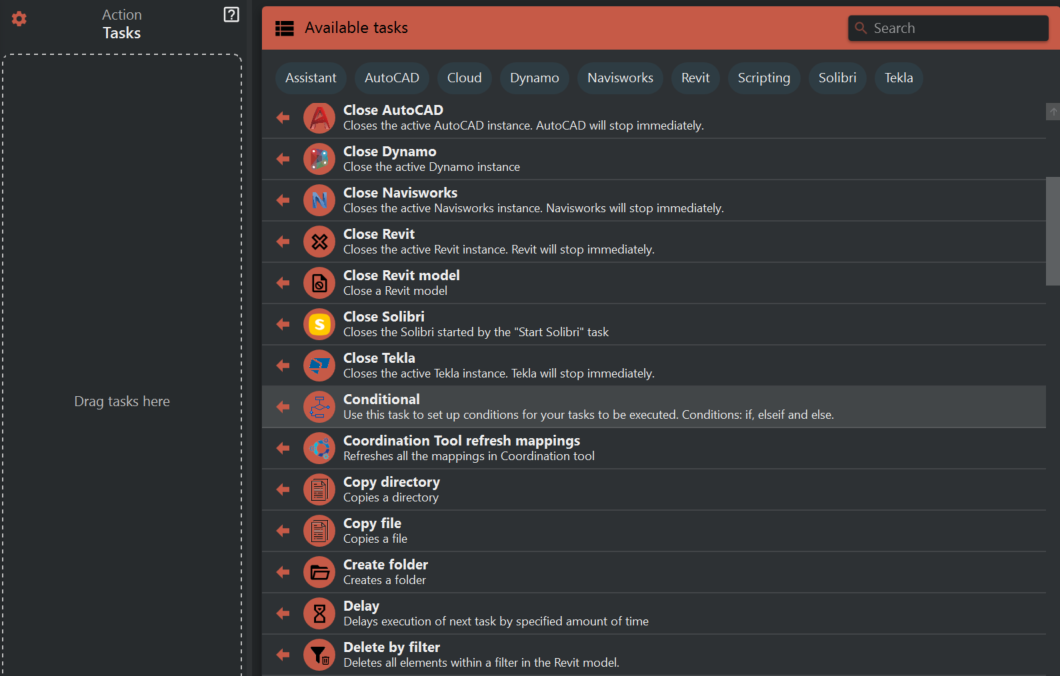
These are the available conditions in the condition task.
¶ And
Takes a list of conditions and evaluates if they are all true. Useful for complex checks that require multiple criteria to be met.
¶ Or
Takes a list of conditions and evaluates if at least one is true. Ideal for scenarios where multiple optional criteria may result in a positive outcome.
¶ Contains
Takes two inputs, typically variables or strings, and returns true if the first input contains the second input. Essential for string searches.
¶ Equals
Takes two inputs, which can be variables or text, and returns true if both inputs have the same value. Critical for comparisons and ensuring equity between values.
¶ Greater than
Takes two numerical inputs and returns true if the first input is greater than the second input. Important for sorting, thresholds, and hierarchy evaluations.
¶ Greater than or equal
Takes two numerical inputs and returns true if the first input is greater than or equal to the second input. This encompasses both equality and the 'greater than' condition, making it versatile for inclusive comparisons.
¶ Less than
Takes two numerical inputs and returns true if the first input is less than the second input. This is the converse of 'greater than' and is equally important for numerical comparisons under a threshold.
¶ Less than or equal
Takes two numerical inputs and returns true if the first input is less than or equal to the second input. Combining 'less than' with equality, it's useful when establishing upper bounds.
¶ Not
Takes a single condition and returns the opposite boolean value. If the input condition is true, 'Not' will return false, and vice versa. This is fundamental for negating conditions or creating exclusions.
¶ Regex
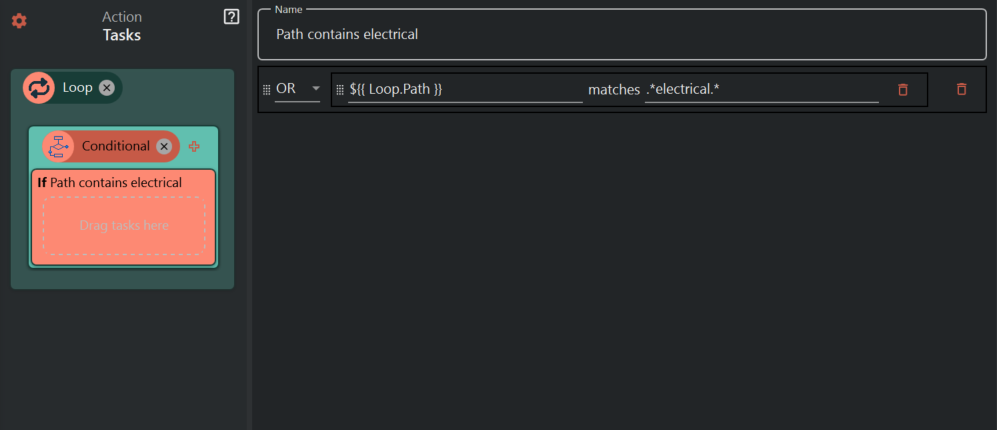
Takes two inputs that are either variables or text and returns true if the first input matches a regex pattern in the second input.
¶ Date
¶ Configuration
There is multiple levels of configuration for the Conditional task
¶ Conditional task
Click here to get to this configuration
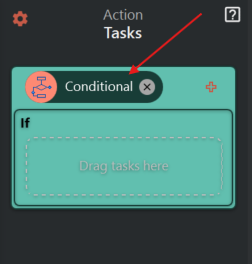
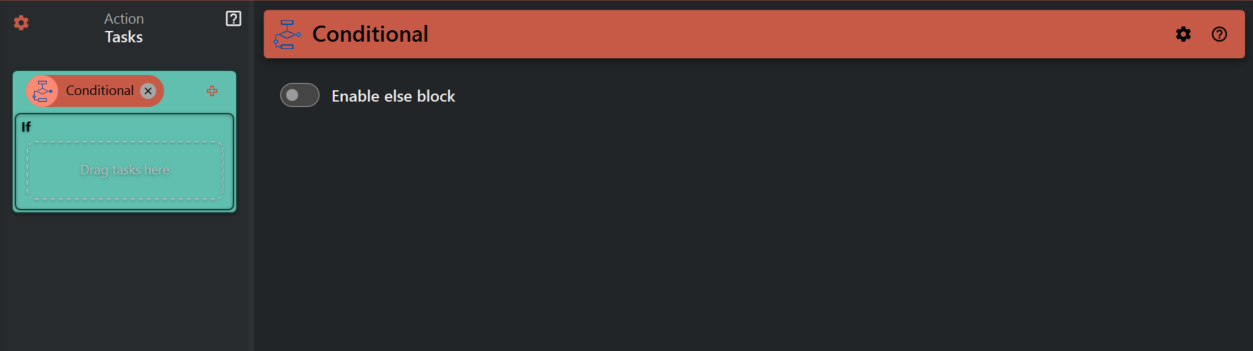
In the configuration of the Conditional task itself you can enable/disable the else block. The content of this block will be executed if none of the if or else if blocks contitions are met.
¶ If and else if
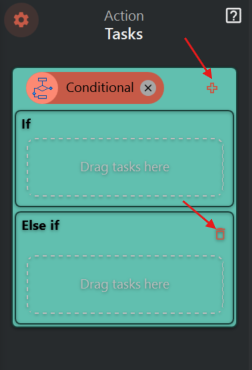
You can add/remove else if blocks by clicking the pluss/garbage symbol.
Click here to start configuring conditions for if/else if blocks.
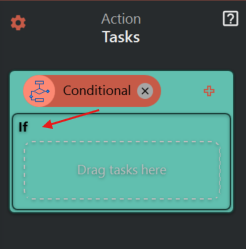
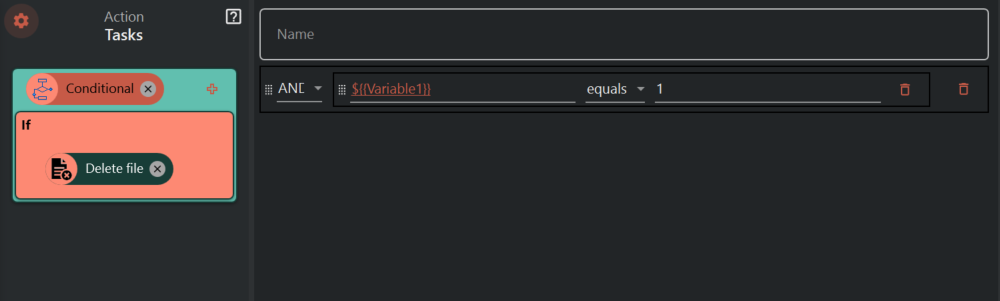
In this configuration you are able to set up your conditions. When a condition is evaluated to true, all tasks within the if/else if block will be executed.
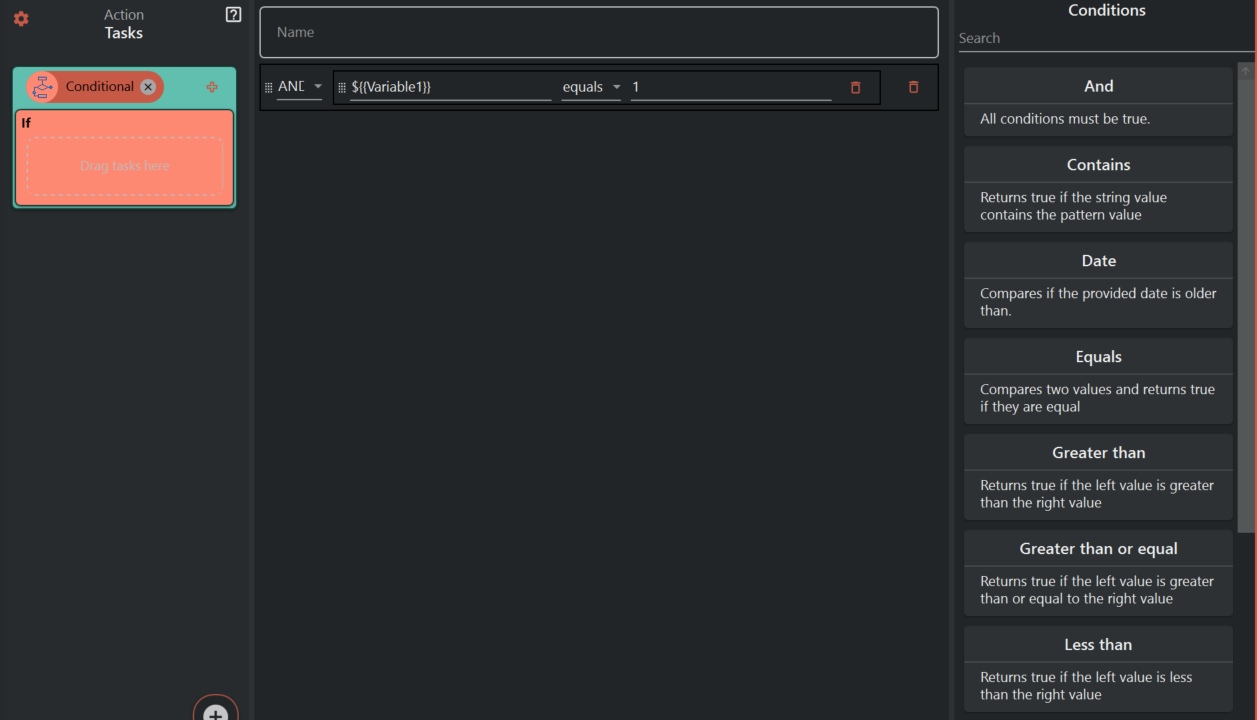
In this situation, "Delete file" task will be executed if the value of Variable1 is equal to 1 at the time of running the assistant file.