¶ Open Revit model
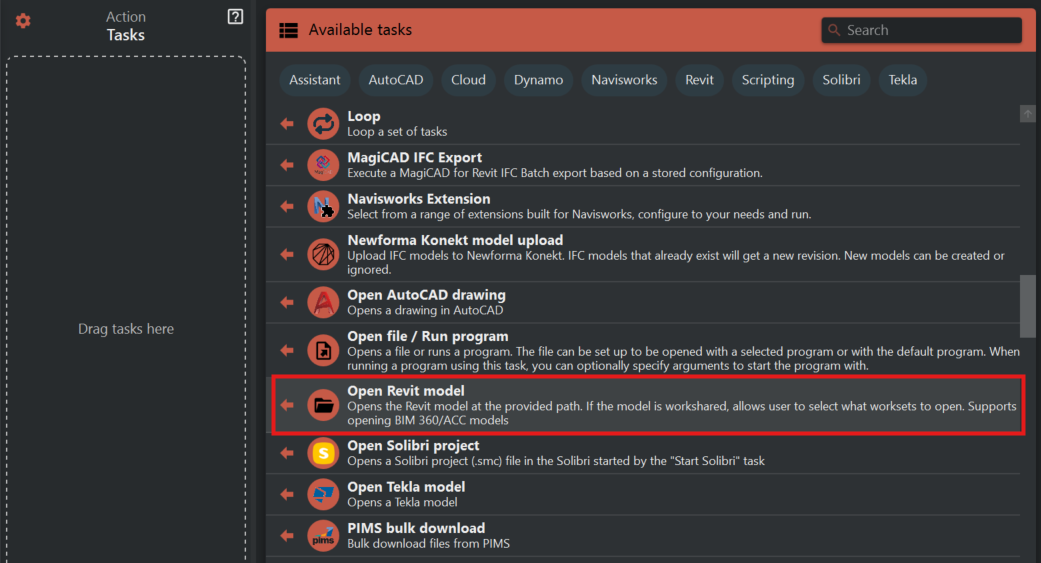
Use this task to open a model in Revit from local/network drive or BIM360/ACC.
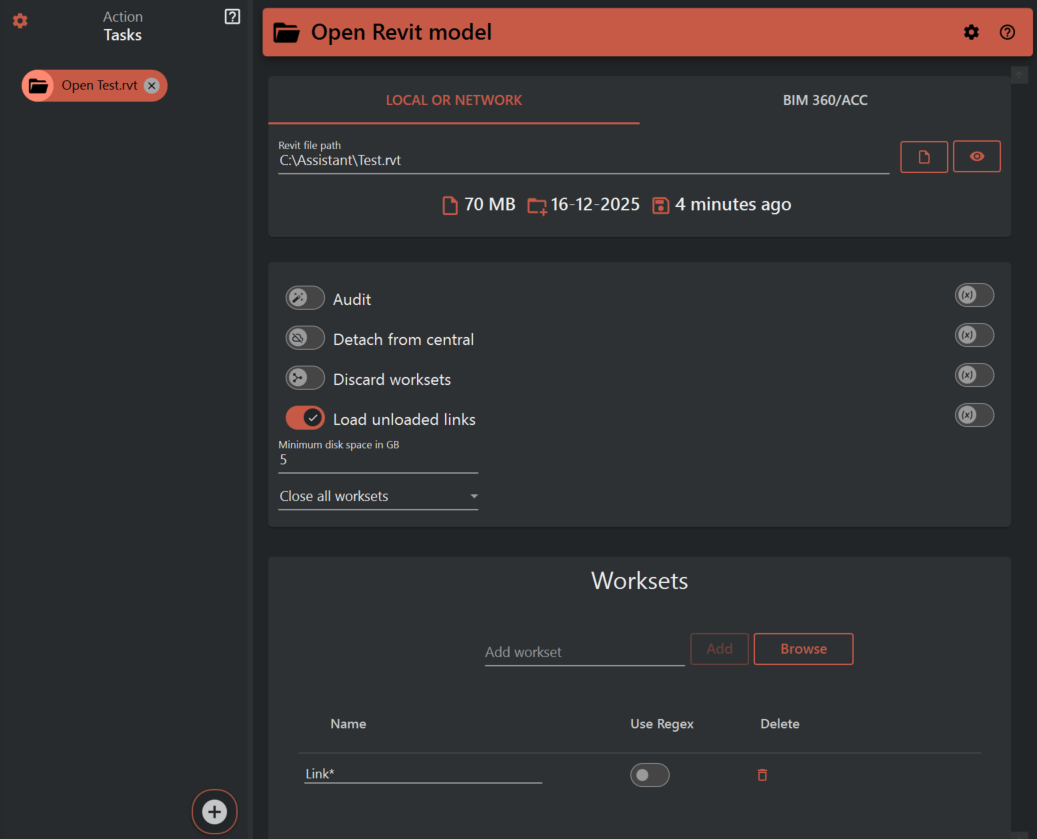
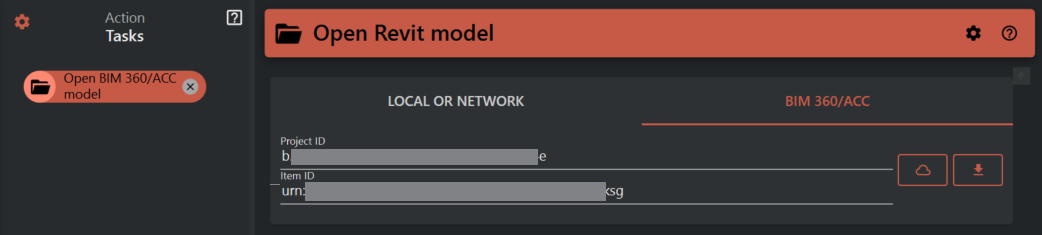
Start by selecting "Local or network" or "BIM 360/ACC" depending on where your model is located.
¶ Worksets
"Close All Worksets" from the dropdown list will have the same behaviour as the “specify…” option in Revit. It closes all the worksets, but then opens those you have configured in the add/browse worksets list.
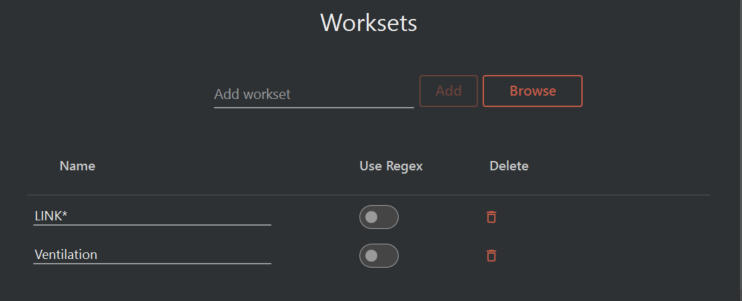
The workset list supports writing the full name of the workset, in addition to pattern matching. Examples of this is using the * sign to “match anything”, like LINK* would match all worksets that starts with “LINK”.
In the configured example above all worksets that starts with "LINK" and the workset named "Ventilation" will be opened.
Enabling "Use Regex" allows you to set up powerful pattern matching, but requires more knowledge than the regular pattern matching, which is the reason this is as a separate option. Using Regex will allow you to open worksets by using complex name matching rules. For example you can configure a Regex string into the name column that will match on all worksets that contains exactly two numbers (0-9) etc. A great tool for assisting you in creating regex is the webpage regexr.com