¶ PIMS bulk download
First you must login to PIMS server account , only then the configuration error symbol will disappear in the Task Panel
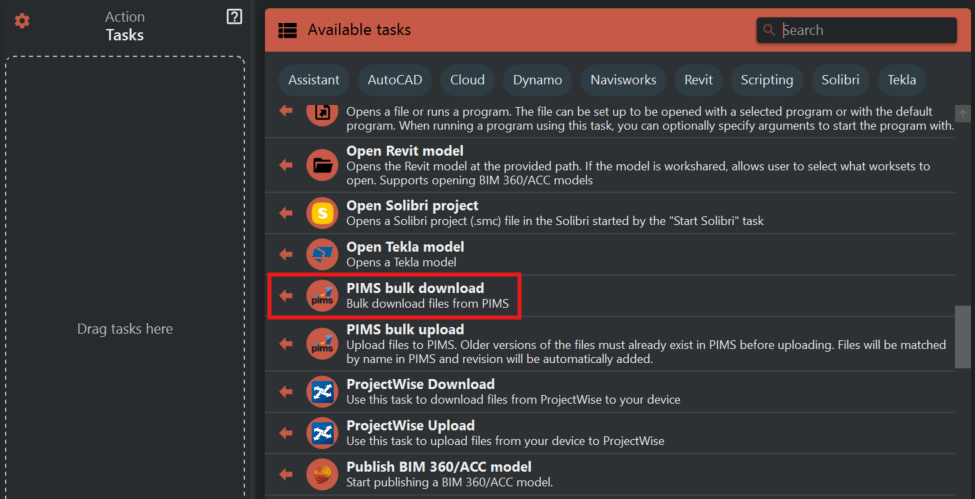
Then you need click '+' icon to add sets which specify folder location.
You can choose the folder path to upload by clicking the 'Folder icon' across the 'Default download folder' line.
When you click the 'Filter icon' above this line , an another subdivision with a 'folder icon' & 'delete icon' appear which can be used to specify the particular file to upload.
To add multiple files in the same folder , click the 'filter icon' the required number of times.
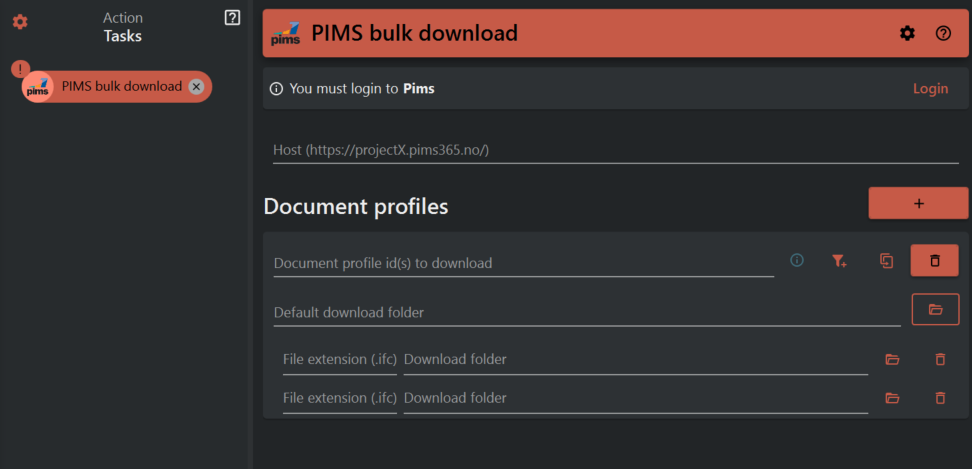
The duplicate icon is clicked to create a copy of the current set of folder path with subdivisions of filepaths which can be modified to choose other folders and files in them respectively.
The delete icon deletes the current set.