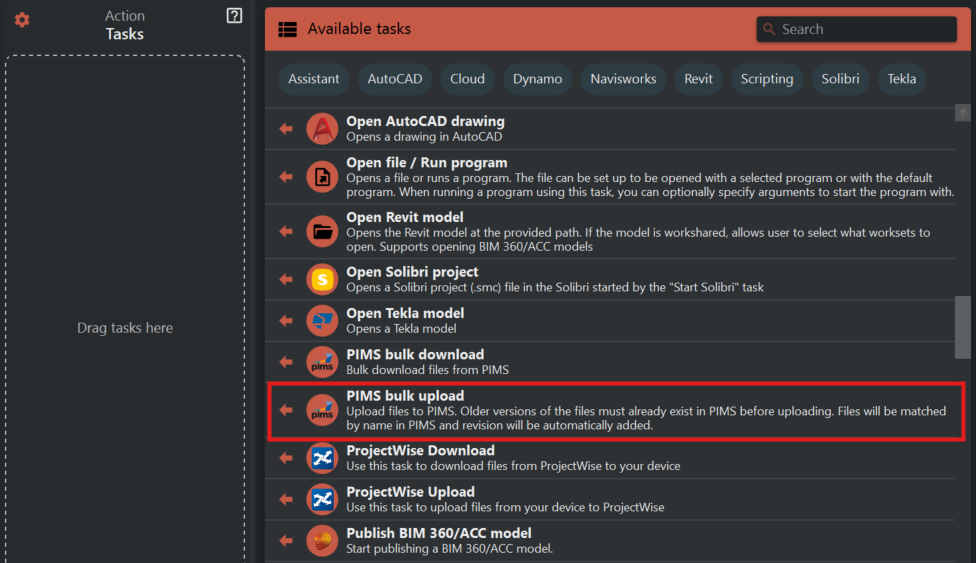
¶ PIMS bulk upload
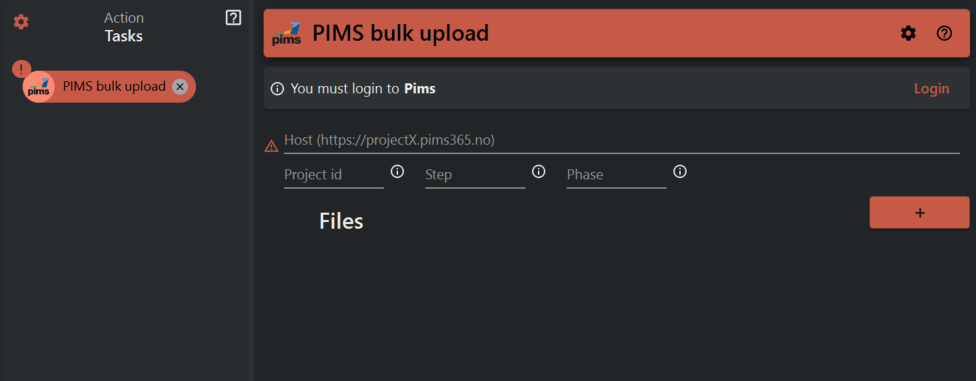
First you must login to you PIMS server account, to avoid the configuration error symbol in the TASK panel
Enter the project server address (the sample format of the link is shown as a preview when you open the task.
Then enter the project ID, Step,Phase(To know which values should be enter in these places, just hover the mouse the 'INFORMATION icon' near the necessary blank options.
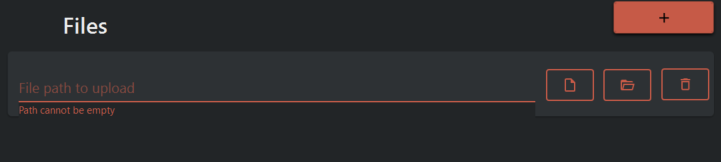
Then click the '+' icon to add multiple sets
First icon is used to specify the particular file to upload.
Second icon is used to specify the entire folder to upload.
Third icon deletes the set.