¶ Purge unused
¶ Overview
This guide will walk you through the steps to efficiently use the 'Purge unused' task to delete all unused types and families in your model, helping to clean up and reduce the file size.
¶ Step 1: Locate the Task
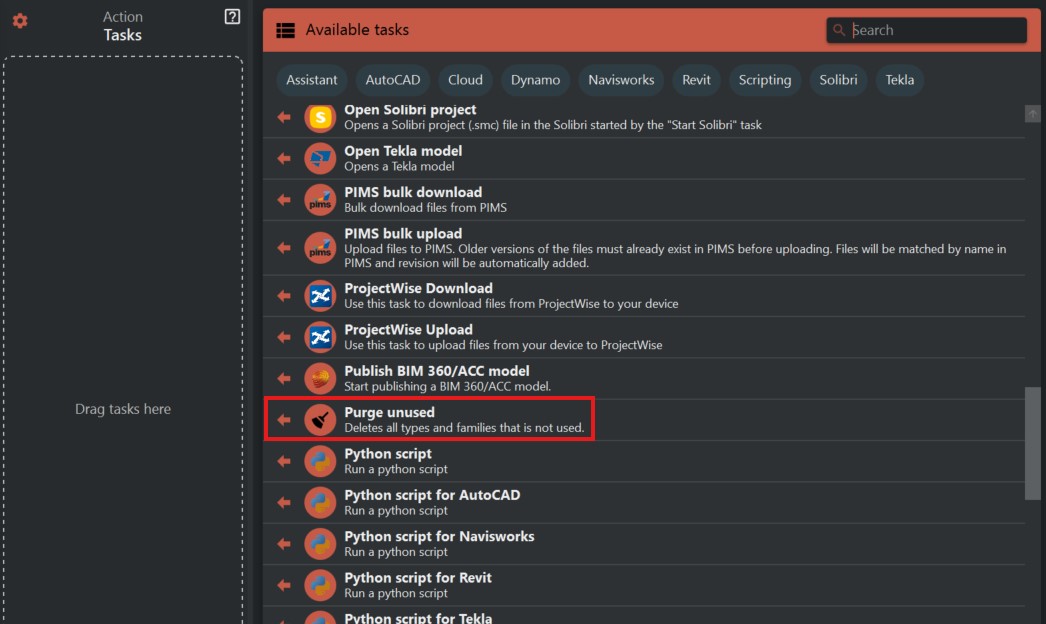
- Look to the right side of the screen to find the 'Available tasks' section.
- Identify and click on the ‘Purge unused’ task.
¶ Step 2: Understanding the Task
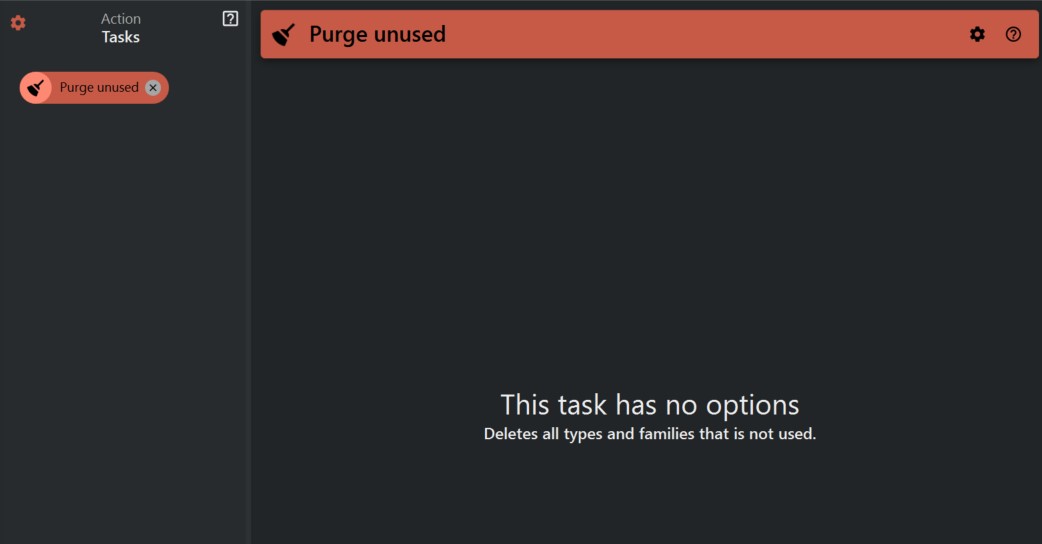
- The 'Purge unused' task is straightforward and does not require any additional options. Once initiated, it will automatically remove all unused types and family elements within the current model.
¶ Step 3: Run the Task
- Select the 'Purge unused' task.
- Execute the task to begin the purging process.
¶ Important Considerations
- Ensure that you have saved your model before running this task to prevent any accidental loss of data.
- Review your model to confirm there are no types or families that are intended for future use before purging.
- It's a good practice to maintain a backup of your model, especially when performing bulk deletion tasks.