¶ Run Action Task
¶ Overview
The Run Action task allows users to trigger one action from within another action. This makes it easier to create workflows where one action depends on or continues the work of another.
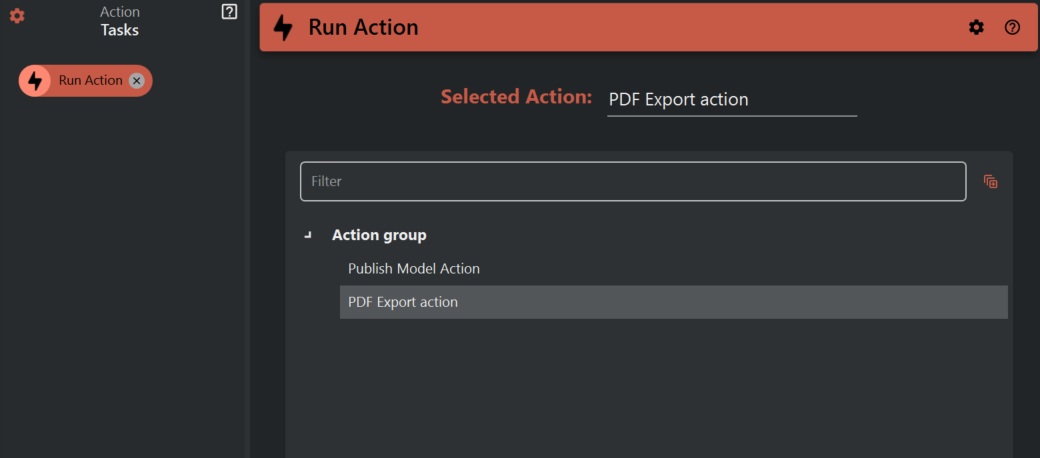
¶ How to Use the "Run Action" Task
Follow these steps to add and configure the Run Action task:
¶ Step 1: Add the "Run Action" Task to Your Action
- Open Assistant.
- Create a new action or edit an existing one.
- Add a new task to your action.
- From the list of available task types, select "Run Action".
¶ Step 2: Select the Action to Run
- In the "Run Action" task settings, you will see a list of all available actions.
- Choose the action you want to run as part of your current workflow.
- You can use variables in place of the selected action name.
¶ Key Benefits
- Reusability: No need to recreate the same tasks in multiple actions.
- Modularity: Create small, focused actions and combine them as needed.
- Efficiency: Build complex workflows quickly and with minimal effort.