¶ Run Actions file
Run another Actions file
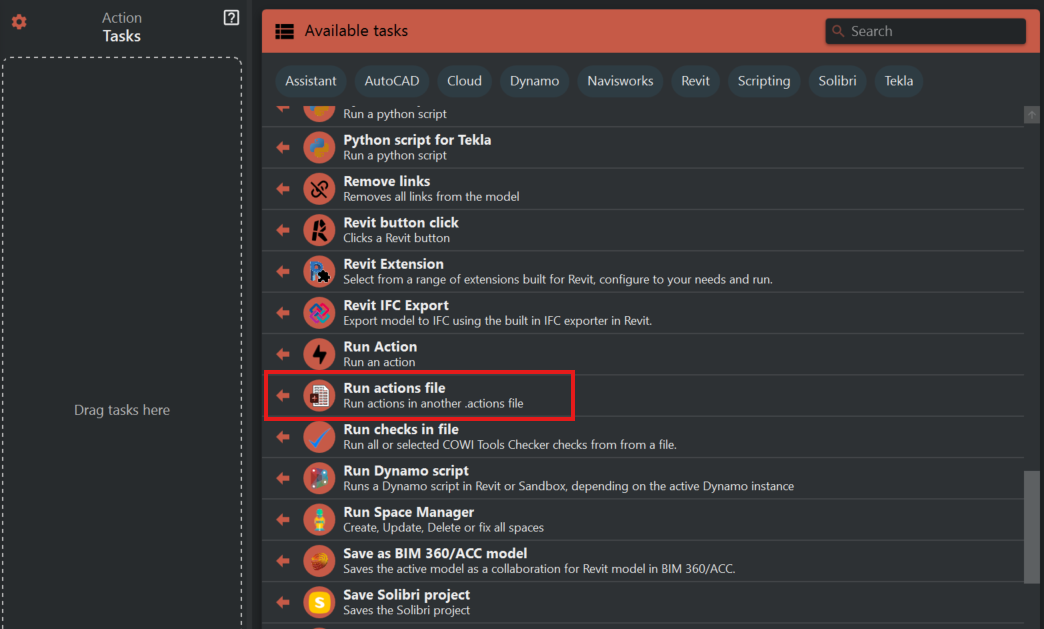
Click "Browse" and select the .action file you want to run.
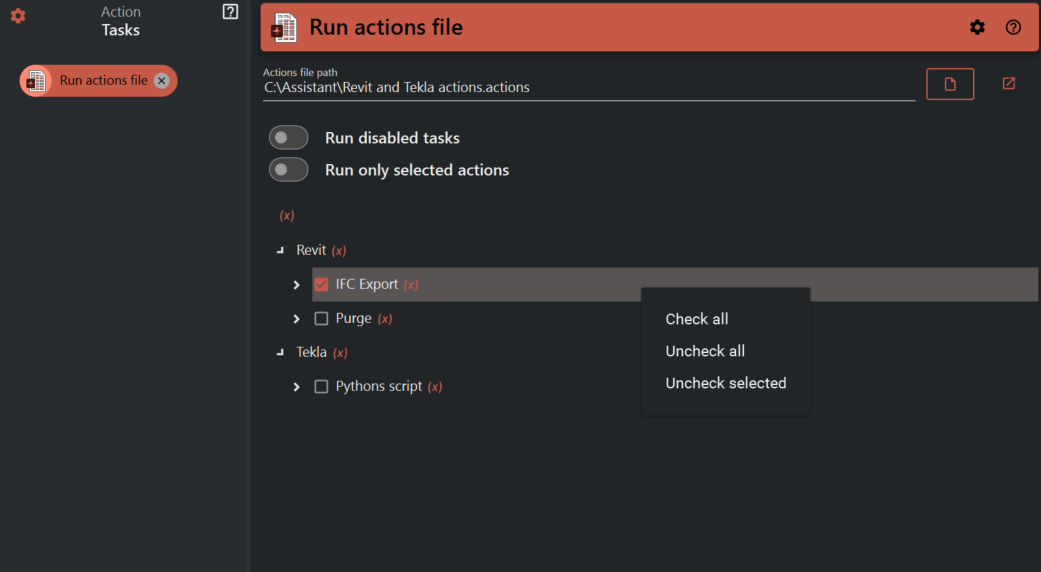
This task has a few options:
- Run disabled tasks: This will also run the disabled tasks in the specified .action file.
- Share connection: The Revit connection in the current action run will be passed on to the specified .action file.
- Run only selected tasks: Enable this option to only run checked actions in the configuration view. In the example above none this option is set to "false" and both actions wil be run.
Click "(x)" to display variables.