¶ SharePoint Download
SharePoint Download task lets you download files from SharePoint to your device.
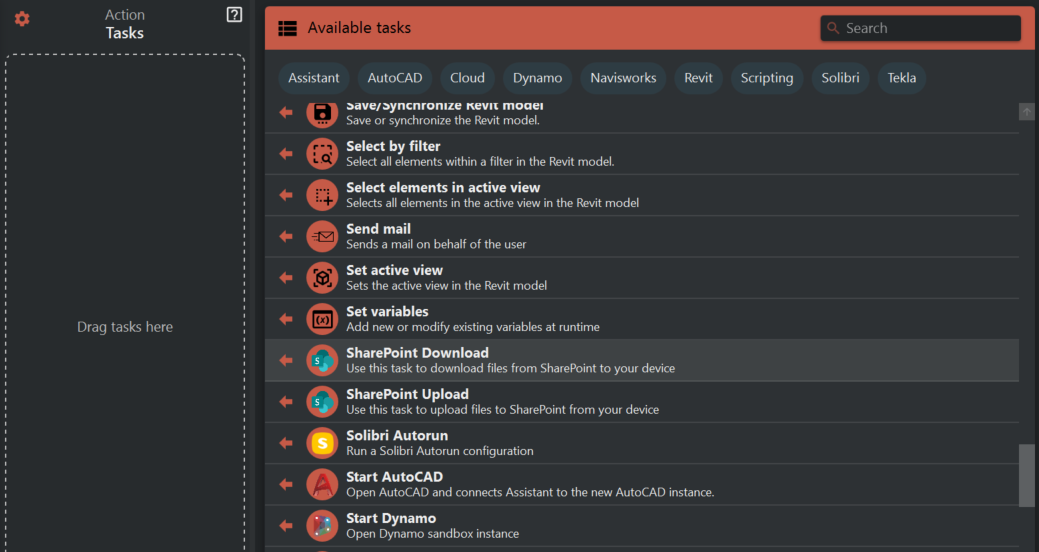
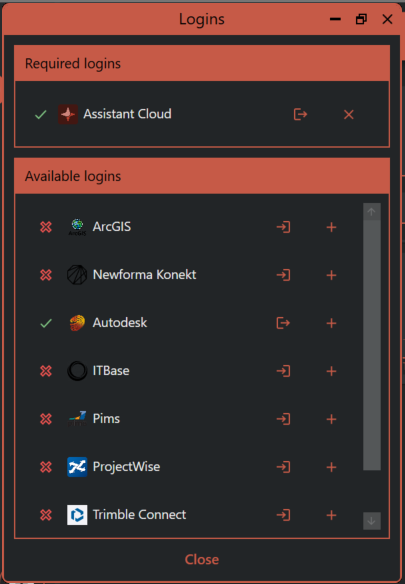
To use this task you’ll need to login to Assistant cloud using the Assistant logins that are found in the hamburger menu.
All fields must be filed out.
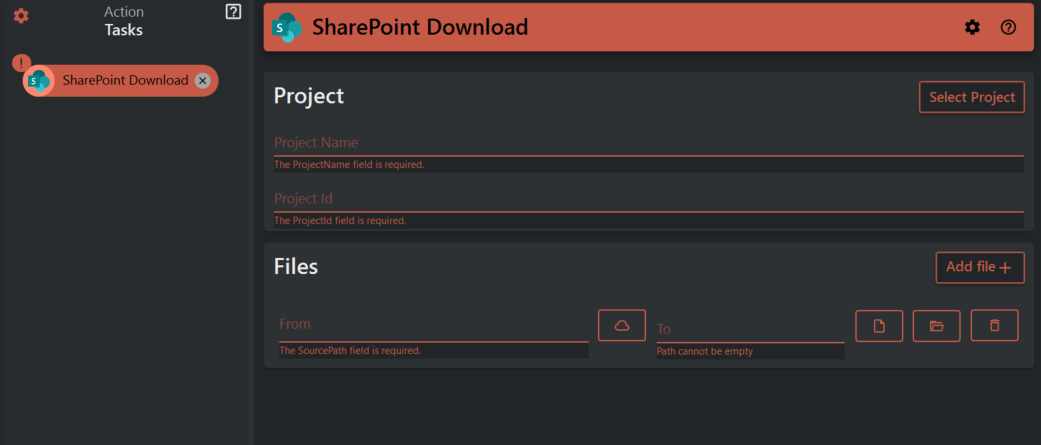
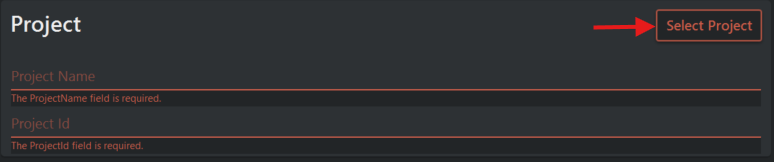
To select the project that you need you can browse through the project list by pressing the Select Project button. To find your project you need to search for it in the serch field.
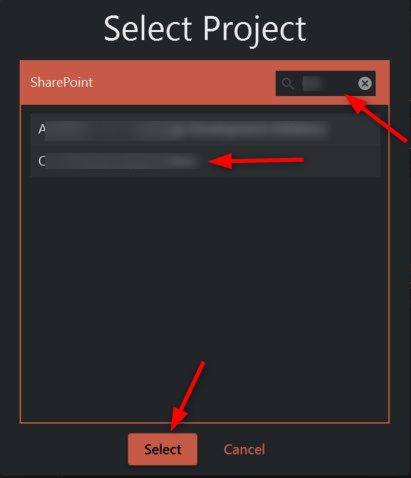
After selecting the project, you can browse through it and choose which file to download by clicking on the cloud icon. You can download multiple files by using the 'Add file' button. Or you can download entire folders by selecting the folder.

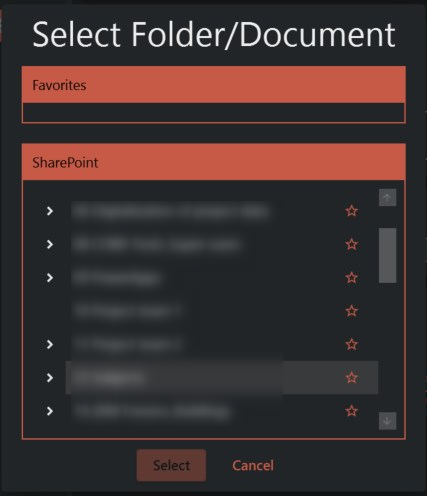
In SharePoint browser you can use cloud browser favorites: Favorites
You can choose to download all files in the selected folder without including subfolders, or download everything with the folder structure recreated and files inside subfolders.
