¶ Start Revit
Start a new Revit instance
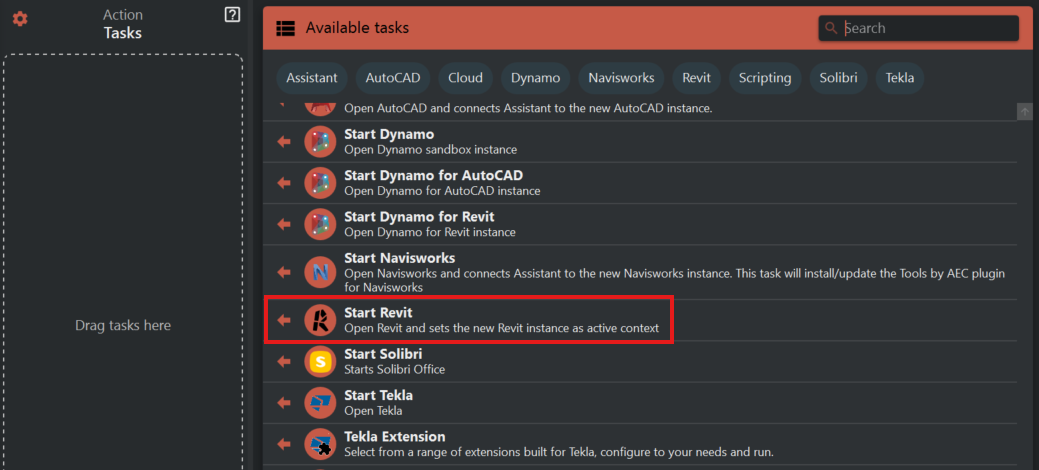
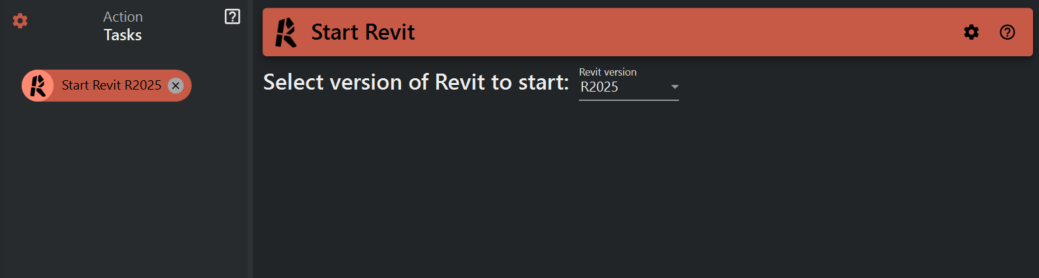
The Start Revit task does not require much configuration. Simply select the desired Revit version from the list.
¶ Start Revit
This task starts a new Revit instance and connects Assistant to that Revit within an action run. An action run exist from the moment you press the "Run" button untill all the actions is finnished running.
Example
- Start a Revit manually, lets call that Revit A
- Start Assistant from Revit A
- Assistant is connected to Revit A
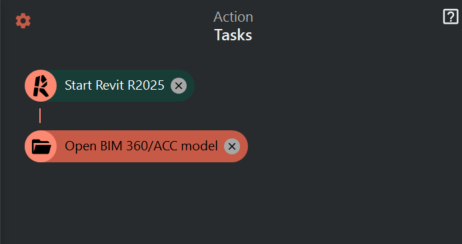
- Configure an action in Assistant with two tasks: Start Revit and Open Model (Fig. 3)
- Run the action. (The action run starts.)
- A new Revit will start Revit B
- The model will be opend in Revit B
- All actions is finnished running. (The action run ends.)
- Assistant is still connected to Revit A
Fig. 3