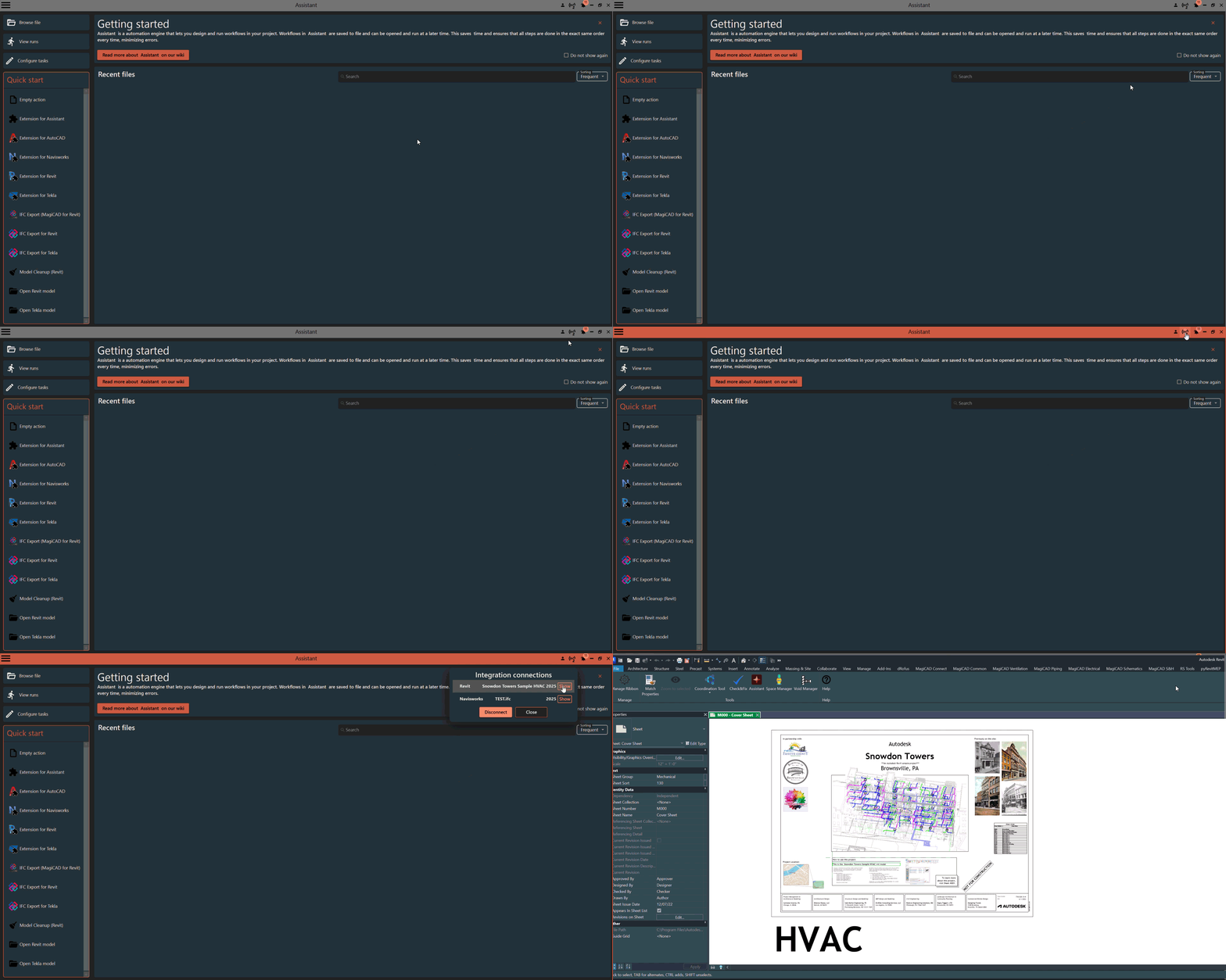
¶ Integration connections
Not Connected to any integrations

Connected to two integrations

Click the icon to view all availabe integrations. The popup will display a list of all supported applications that is running on your computer. Click Show to bring appication into view. Select an item from the the list and click Connect to connect to an integration. You can be connected to multiple integrations at the same time from different applications. This means that you only can be connected to one instance of Revit and/or one instance of Tekla etc.
To disconnect from a integration, select the connected integration in the list and click Disconnect
In the example below, Assistant is connected to Revit and Tekla
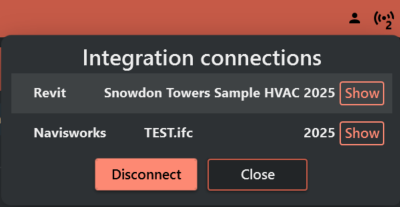
This example showcases how you can bring the available integration into view