¶ Checker User interface
¶ Overview
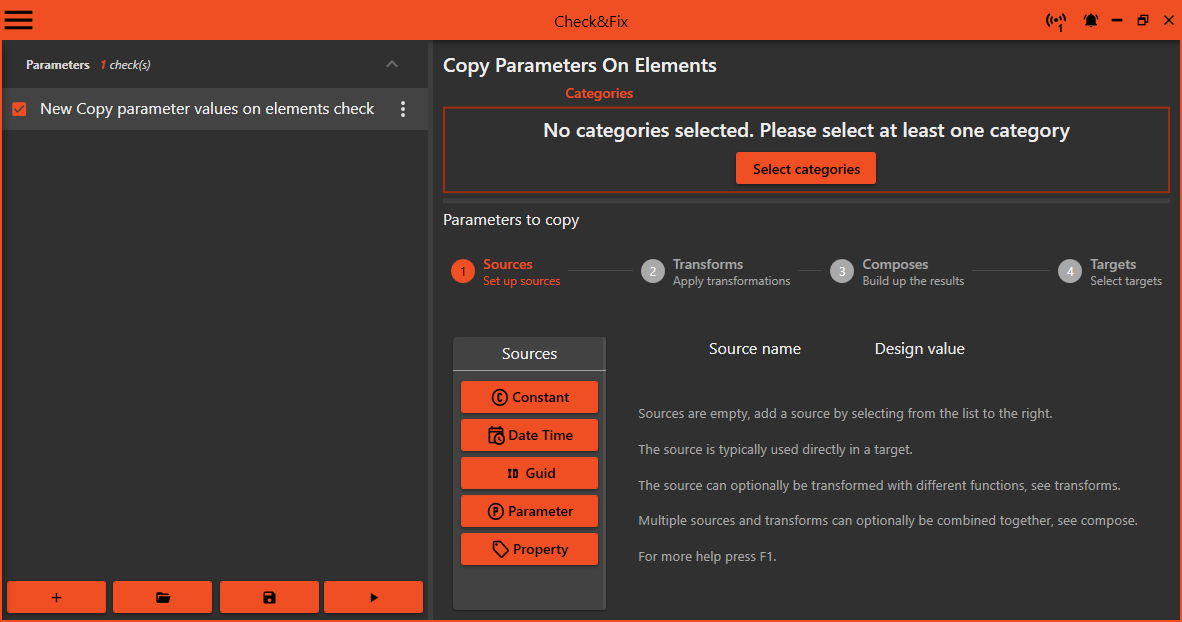
Checks are listed on the right, buttons for global actions on the bottom and the current selected check on the right.
The checks are grouped by check types and the group can be collapsed and expanded.
The global buttons has a create, open, save and run check.
¶ Create new
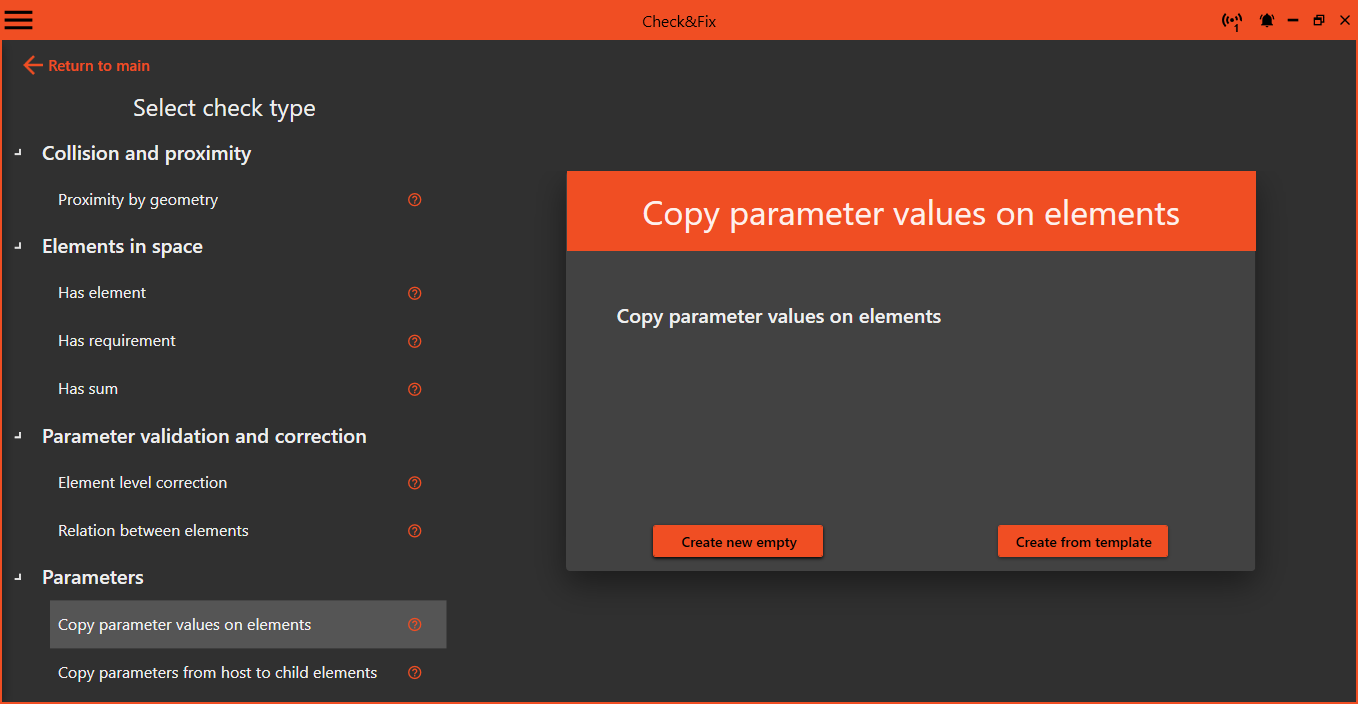
Press the + button to create a new check, a list of different checks shows up.
Select a check type and choose between Create new empty and Create from template
Typical use cases for some checks have a predefined template, use this to get at guided start.
¶ Run a check
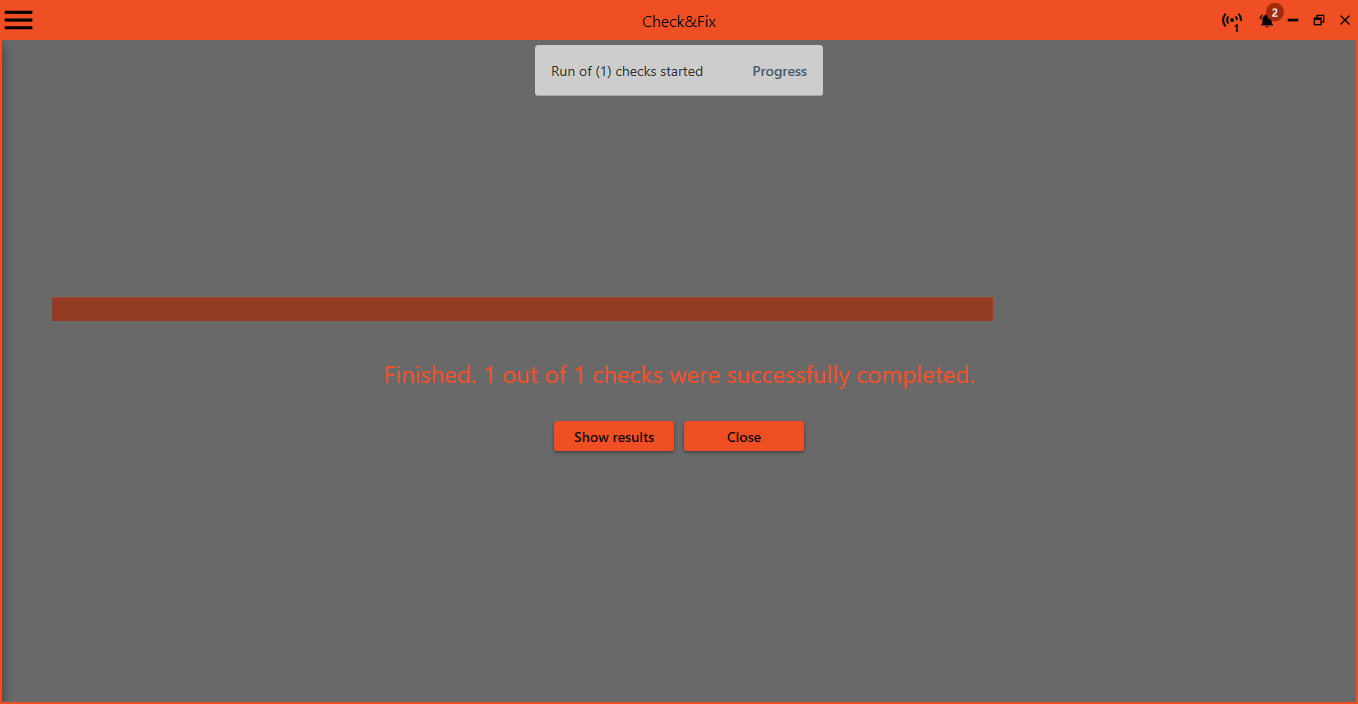
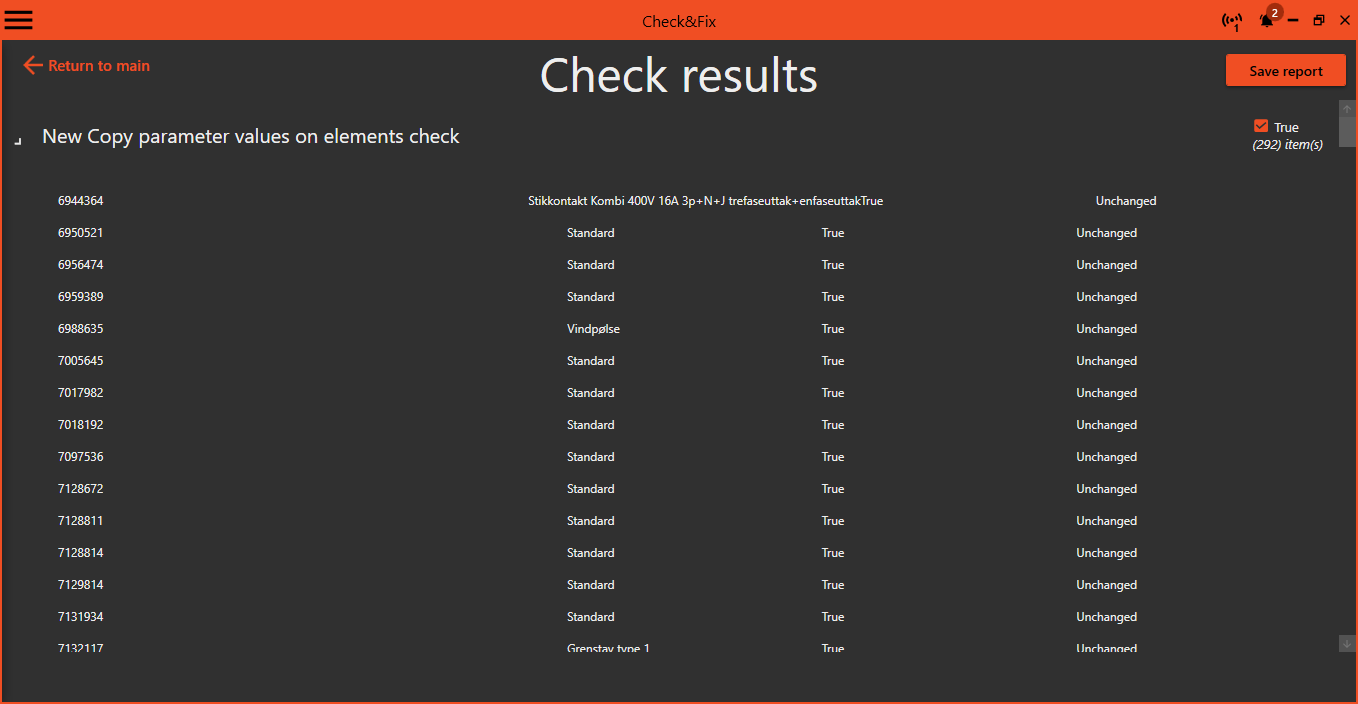
Press the Play button in the global buttons section, all the checked checks is executed and a Progress is shown. To view the result press Show result.
A result can be shown any time later, see Show last check result
¶ Edit check
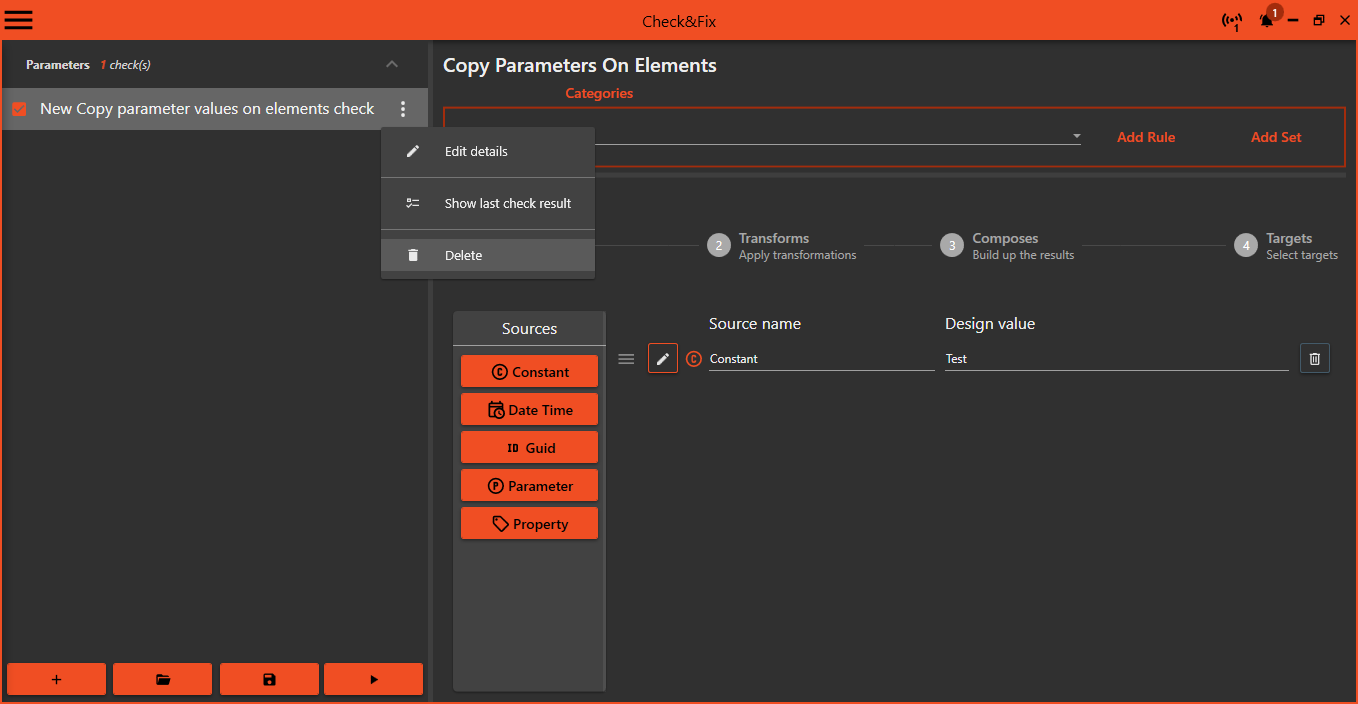
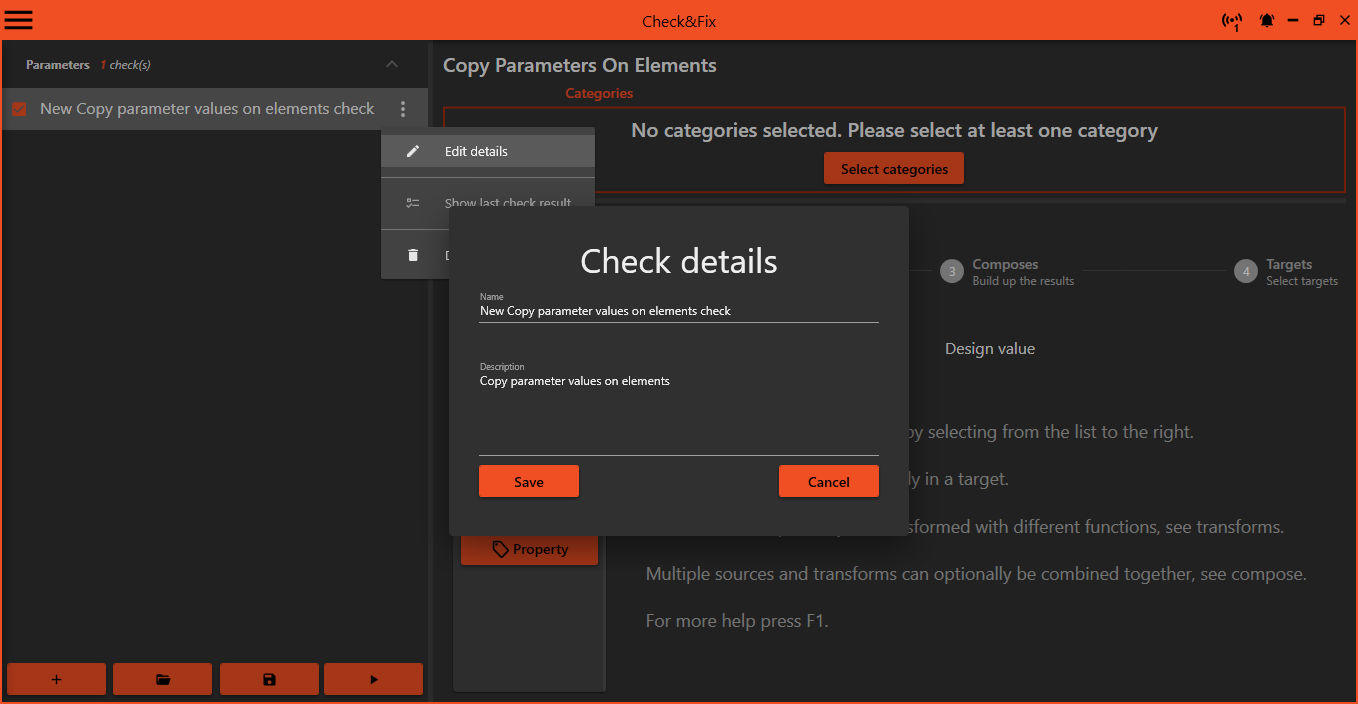
To edit the checks name press the tree dots and select Edit details from the menu.
Here you can edit the checks name and create a description for the check. This is shown as a tool tip for the check in the check list.
¶ Show last check result
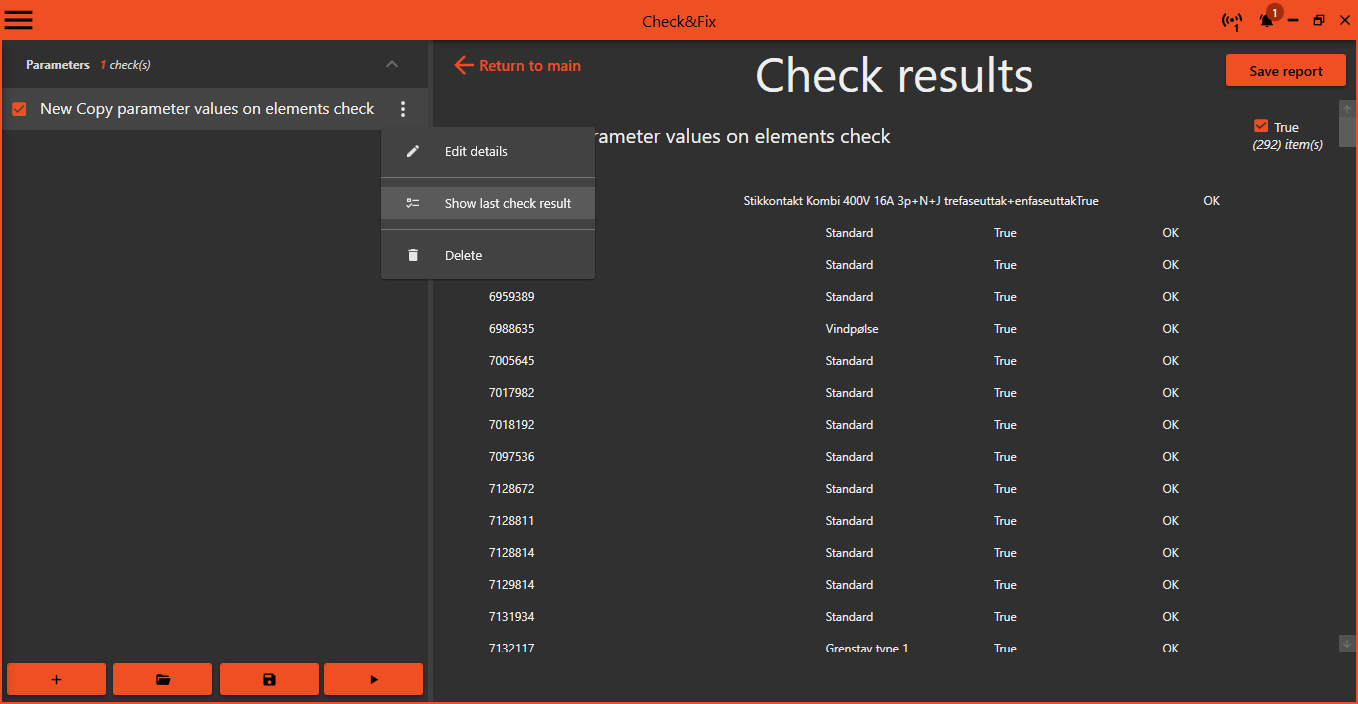
When a check has run, you can always go back to the last result by clicking the tree dots and selec
Show last check result.
¶ Delete
To delete a check press the tree dots and select Delete
Be carefull, the check is deleted without any confirmation