¶ Assistant 5.10.0
The Tools 5.10.0 release includes bug fixes and support for a new workflow in Coordination Tool. In this update, we have focused on improving the performance of Coordination Tool by adressing bugs reported by users.
¶ Coordination Tool
- We've resolved a bug related to the use of relative placement with elements in linked IFC models, which formerly led to severe performance issues, particularly for larger models. It could even cause software crashing due to memory exhaustion. With this update, you can expect a more efficient performance with reduced memory usage. Speed improvements vary from 10 to 5000 times faster, subject to your settings.
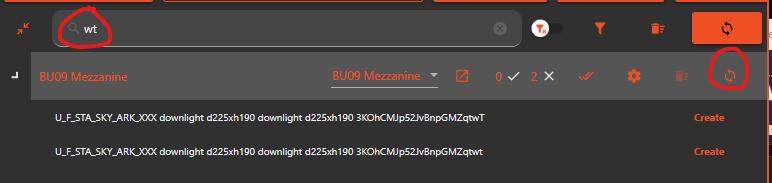
- We've also corrected a bug where our 'Sync all' feature at each level wouldn't comply with the filters when in use. Previously, even if users had filtered to show few items, clicking 'Sync all' would synchronize all elements at that level irrespective of the search filter. Our 'Sync all' feature will now respect your search and filters.
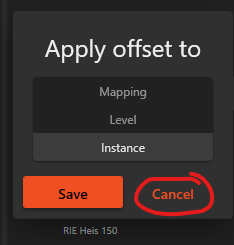
- In addition, we fixed a bug where the cancel button in accept offset dialog didn't work.
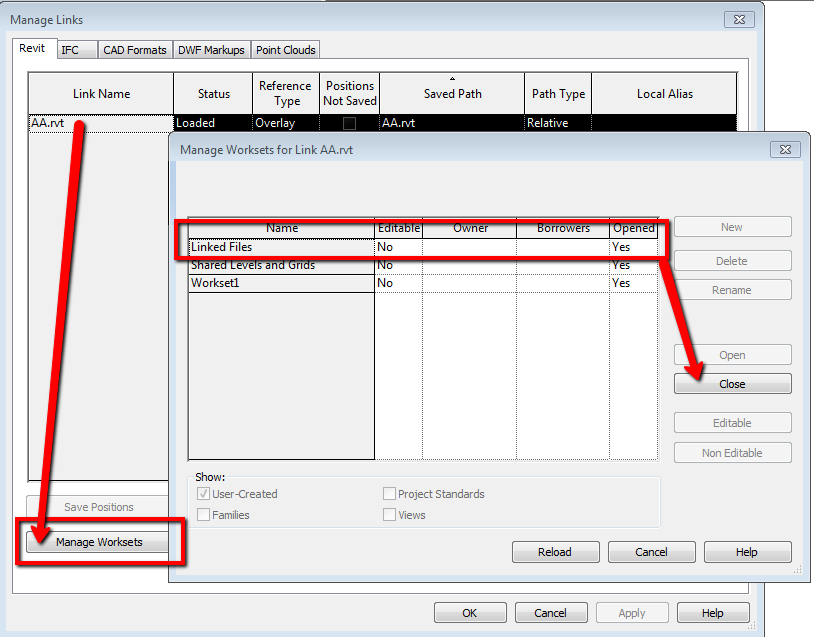
- Lastly, we've introduced support for a new workflow which treats elements on the closed worksets on links differently. If you close a workset on a Revit link, the Coordination Tool will no longer include the elements from the closed workset. As a result, elements based on these will be marked as 'delete' instead of being synchronized as before.