¶ Assistant 6.1.0
This version brings Refresh Coordination Tool mapping task to Assistant, checking items in loop task preview and several bugfixes
¶ Assistant
¶ Features
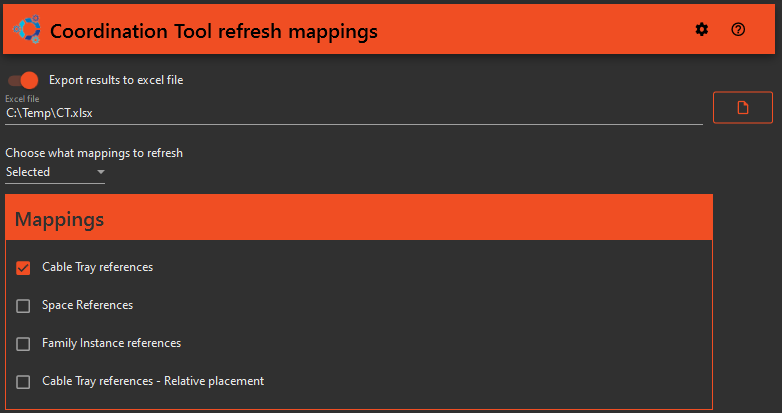
- Refresh Mappings in Coordination Tool: You can now configure the Assistant to refresh mappings. Choose among all mappings, a selected subset, or those with specified tags. Optionally, save the results to an Excel file.
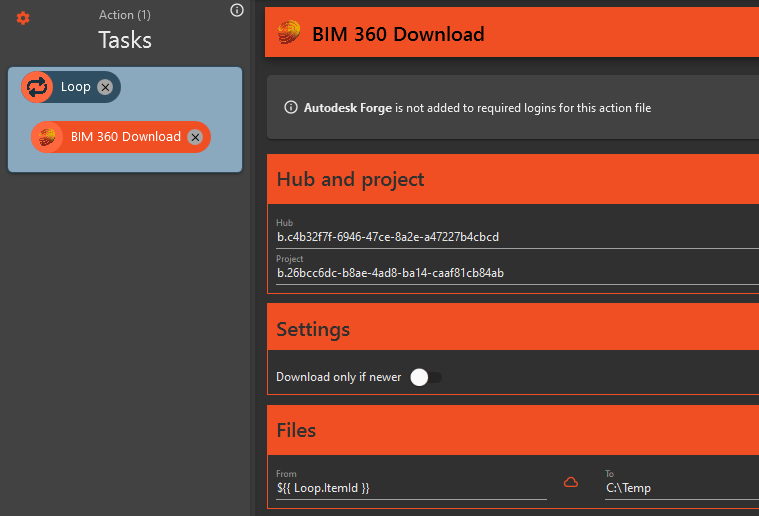
- Download by Item ID: The BIM 360 download task now supports file downloading using Item ID, making it significantly more efficient, especially when used in conjunction with the Looping task.
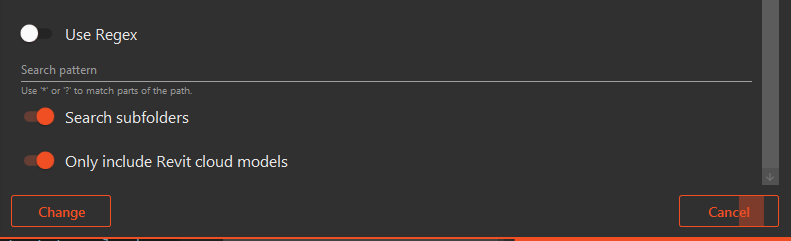
- Looping task performance improvements: Searching through sub-folders in BIM 360 via the Looping Task is now faster, which improves both execution and preview loading times.
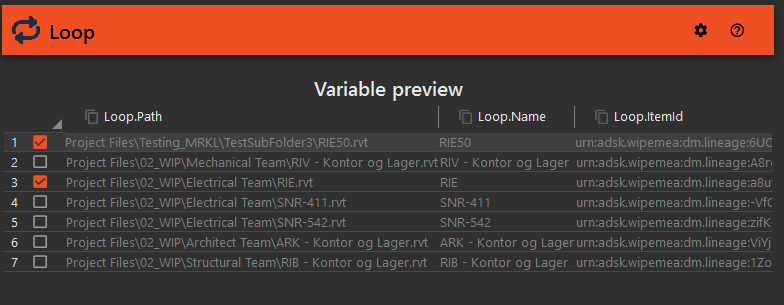
- Run Selected Items in Loop Task: The Loop task preview now includes checkboxes for each item. Execute only the checked items in the preview window—ideal for processing a handful of items without the need to filter them out manually, and for preventing the execution of new matching items.
¶ Bug Fixes and Improvements
- Improved popup handling: Addressed an issue where Revit popups with title beginning with 'Autodesk Revit' were not being managed, which previously interrupted processes.
- Enhanced Handling of Complex Solids: Corrected a flaw where the Check&Fix Relation between elements check would fail due to the scaling of complex geometries with inaccuracies. Such geometries are now bypassed, permitting Check&Fix to proceed.
- Persistent Variables Across Tasks: Resolved an issue where variable changes made by extensions were not being passed on to subsequent tasks.
- Optimized Filter Loading Time: Accelerated the filter control's loading time by optimizing the collection of links from the Revit model.
- Tasks cancelled immidiatly if timeout set to 0:00:00: Fixed a bug where tasks would be cancelled immidiately if timeout were set to 0:00:00. This is the default value and should be concidered "Indefinitely".
- Fixed bug preventing setting timeout: Fixed a bug when users made changes to the timeout setting, these settings were not stored.
- Improved handling of large files in ProjectWise upload: Improved how files are uploaded, allowing Assistant to upload large files to ProjectWise.
- Resolved AutoCAD 2023 and 2024 Connection Issues: Fixed a connection error that prevented Assistant from interacting with AutoCAD 2023 and AutoCAD 2024, which previously rendered all AutoCAD tasks inoperable in these versions.