¶ Assistant 6.6.3
¶ General
This versions contains minor fixes and improvements reported by users.
¶ Assistant
¶ Features
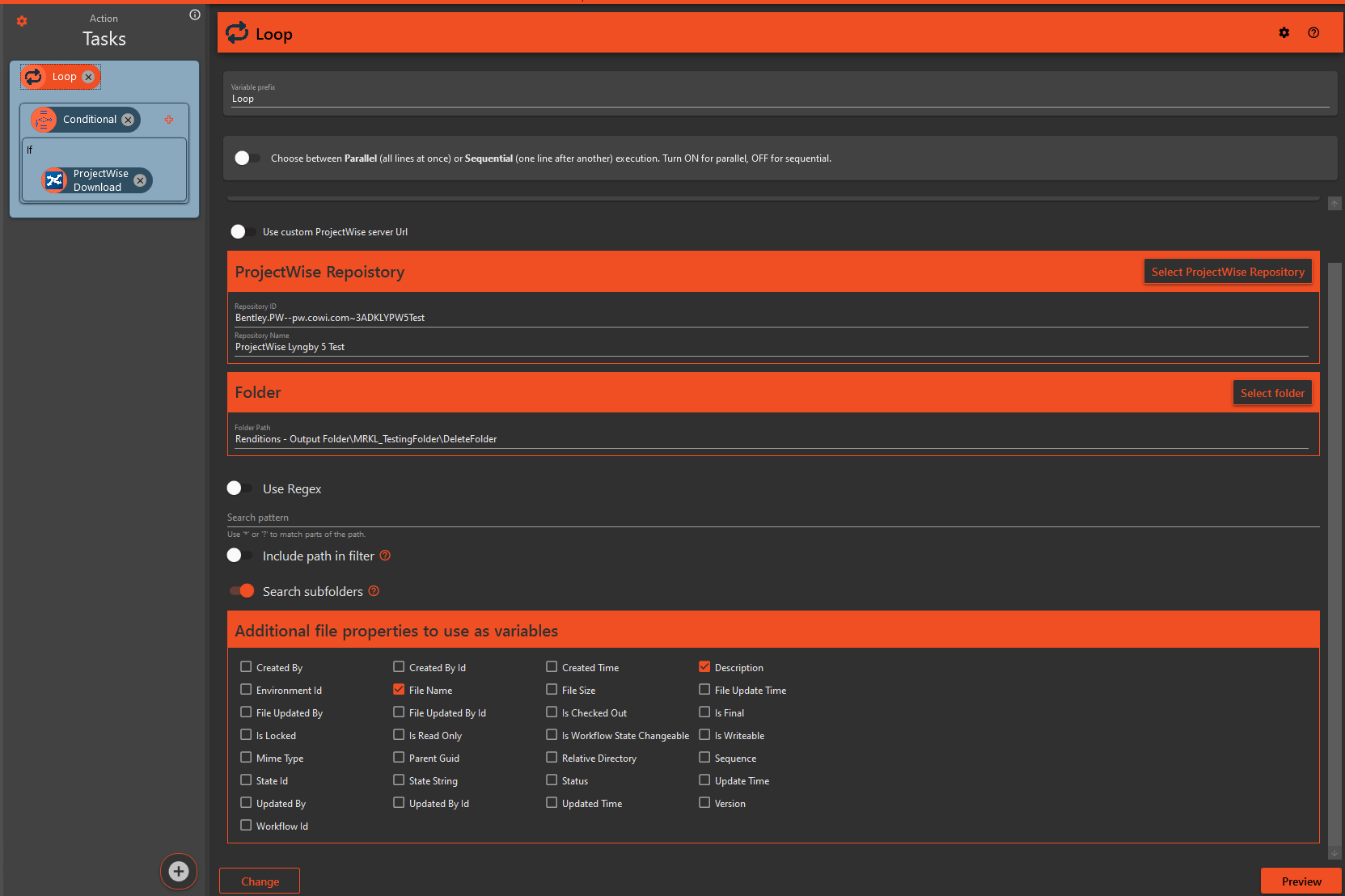
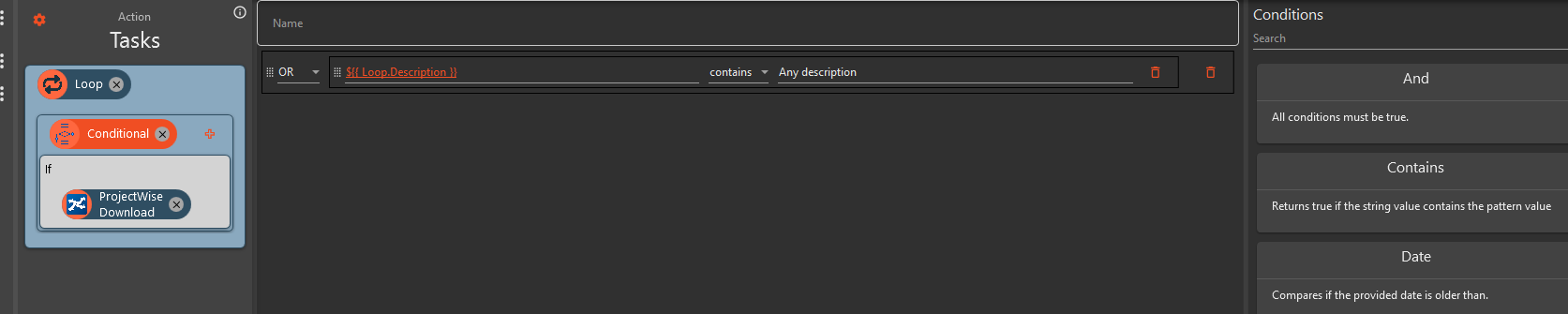
- We are excited to introduce the new ProjectWise Loop Task feature! This enhancement allows you to loop through any folder in ProjectWise and select specific properties to use as variables. These variables can then be utilized in other tasks, such as conditional task for downloading files with specific descriptions.
¶ Improvements
- In previous version, Extension names was generated by taking their ID, usually something like "AddSharedParameters" and adding a space before each capital letter, making them more readable. This worked great for some extensions, while others would get strange naming, like "ChangeMagiCADSettings" which became "Change Magi CADSettings". In this version we are changing this so that the extension creator can specify the name themselves.
If you are a extension developer, check your .csproj file for the <title> field and update your name here. By default, our template sets the name name here as your extensions ID.
¶ Revit
¶ Bugfix
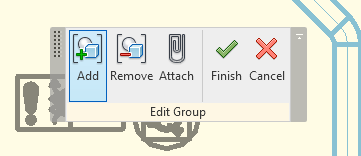
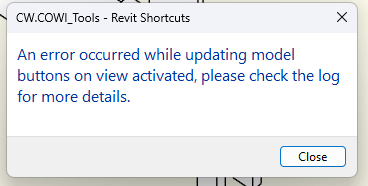
- Fixed a bug where some panels in the ribbon (where the buttons are) in Revit would cause a error message to appear. One way this happened was when changing from model A to model B in the same Revit, where model B was editing a group. When in group edit mode, a small panel appears where you can add/remove items from the group. This panel would cause issues for Tools when navigating between the two models.
¶ Void Manager
¶ Bugfix
- Holes did not always align with the void in certain directions. The alignment is now improved and should handle correct alignment in any direction.