¶ Start Tekla
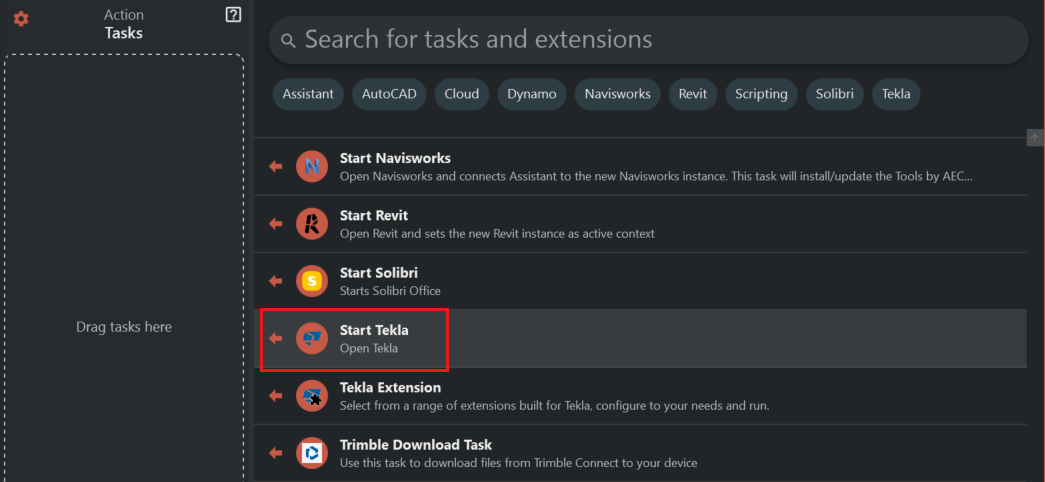
This task starts a new instance of Tekla and prepares Tekla for communicating with Assistant.
¶ Configuration
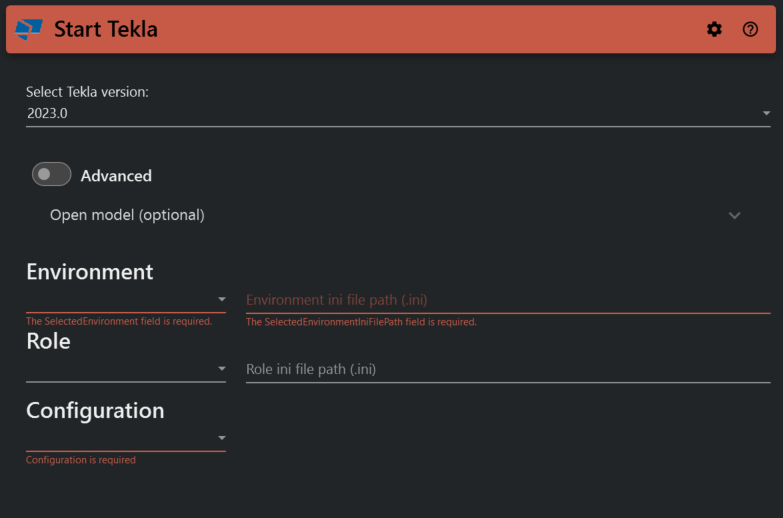
- Select Tekla version
Select version of Tekla - Advanced
Lets you to select the TeklaStructures.exe file manually. - Model
Select the file path to the model folder you want Tekla to open. - File path to project ini file
If your project uses some special ini file select this file here. - Environment, Role and Configuration
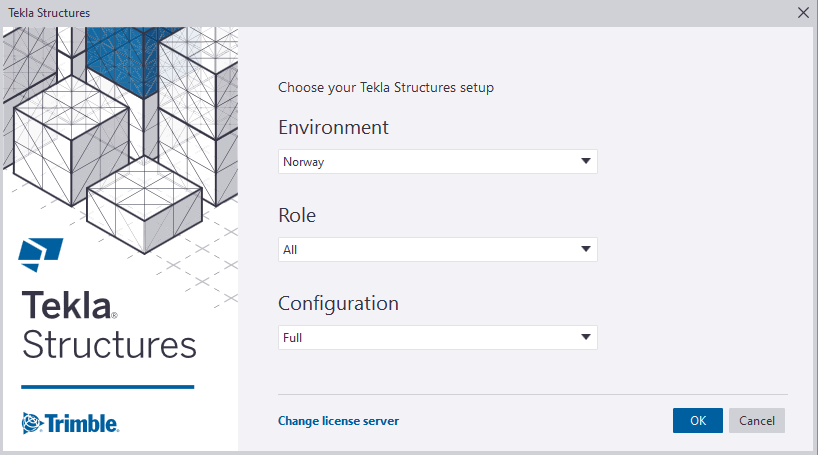
Select the settings you want Tekla to start with. This is the same configuration as seen in the image below.
¶ Connect to a running instance of Tekla
There is two options for connecting Assistant to a running instance of Tekla
- Start Assistant from a desktop shortcut and use integration connections to select the instance you want to connect to. Click here for more information.
- Start Assistant from the shortcut inside Tekla and Assistant will connect to the Tekla instance you started it from
